An iPhone Slow Charger message means a higher-wattage charger could improve your charging experience; Apple says the message does not mean something is wrong with your iPhone or charger. Before paying for a repair or replacing the handset, check your charging setup, the message in Battery settings, temperature and any charge limit that explains what you are seeing.
If you already want to change phones, check your iPhone 15 sell quote alongside these checks. Describe an actual charging fault accurately, but do not label an otherwise working phone defective merely because it displays a Slow Charger message.
What does the iPhone Slow Charger message actually mean?
Apple's charge-speed guidance says that, with iOS 18 and later, your iPhone can display Slow Charger when a higher-wattage charger could improve charging. The message appears on the Lock Screen and in Settings, Battery. You can tap the information button for more detail. Its purpose is to explain the charging experience, rather than diagnose a broken battery or charging port.
That distinction matters when you are about to spend money. A charging setup can work and still deliver less power than another compatible setup. You may be content with that speed when charging overnight, yet find it inconvenient before leaving home. Start with the result you need and the equipment you use instead of assuming every message requires a new handset.
Read the exact wording on your own screen. Slow Charger, Incompatible Charger, a charging hold and an accessory alert describe different situations. Apple says that, with iOS 26, Incompatible Charger can appear in Battery settings when a charger is connected but is not charging. Do not combine those two messages into a single conclusion about battery damage.
This guide uses Apple's current support pages for technical details and its India service page for repair-estimate information. The practical comparisons help you organise your own checks and budget. They cannot establish the condition of your particular phone remotely. If your observations do not fit the normal charging explanation, preserve those observations and ask Apple or an appropriate service provider to assess them.
Compare slow charging, charging limits and a charging failure
Before changing equipment, choose the row that best describes your experience. A battery percentage that is increasing slowly calls for a different investigation from a phone that does not respond at all. Likewise, stopping at a selected charge limit is not the same observation as unexpectedly losing the connection whenever you move a cable.
| What you see | What Apple's guidance explains | Useful first check | What to avoid assuming |
|---|---|---|---|
| Slow Charger message while charging continues | A higher-wattage charger could improve the experience | Check charger type, cable and shared power | The message alone proves a faulty phone |
| Incompatible Charger message | With iOS 26, the connected charger is detected but is not charging | Check the direct connection and another suitable charger | It means exactly the same thing as Slow Charger |
| Charging stops at a selected limit | A charge limit can intentionally stop charging at that level | Read your charging settings | A bigger adapter must bypass the setting |
| Charging is on hold in warm conditions | Temperature protection can temporarily pause charging | Move the phone and charger to a cooler place | More power is necessarily the right response |
| No charging or no power after relevant checks | Apple's charging-failure guidance may lead to service | Check safe accessories, the power source and the documented restart steps | A remote guide can quote the repair without inspection |
If you are considering an upgrade for several reasons, explore ReUz's Apple selling options after identifying the relevant row. Your current phone's actual condition, rather than the appearance of a speed message alone, should inform the description you provide.
Check Battery settings before buying anything
Open Settings and then Battery while the phone is connected to your usual charger. Read the message, look for a charging hold and note the battery level. Apple says iOS 26 provides a charge-time estimate in this area and near the top of the Lock Screen. Use the information shown on your device rather than expecting every software version to display an identical screen.
Apple describes the estimate as the time to reach 80 per cent, or the time to reach 100 per cent or your charge limit if the current level is already above 80 per cent. Read the target alongside the time. An estimate aimed at one target should not be compared with another estimate aimed at a different target as though they represent the same task.
Treat the number as an estimate, not a promise that every charging session will finish at the same minute. Apple's guidance identifies charger power, connected accessories, app use and temperature as factors that can affect charging speed. Record those circumstances if you want to understand why one session feels slower than another.
A useful note is simple: the message shown, the starting battery level, the charging equipment and whether you were actively using the phone. You do not need to create a laboratory test. You only need enough consistency to tell whether changing a particular part of your setup improves the experience you care about.
Choose a fair comparison for your own routine
If your complaint is that the phone is not ready before your commute, compare charging under that routine. Use a similar starting level and leave the phone doing similar work. Comparing an idle handset at home with one running a demanding app in the car mixes several variables and may tell you little about the adapter itself.
Keep your conclusion narrow. If another compatible charger improves the result, you have learned something about the charging setup. You have not proved that the battery has a particular remaining capacity or that every component is fault-free. If the result remains inconvenient, decide whether you need more checking, service or simply a different charging habit.
Understand the whole wired charging setup
Apple recommends a USB-C Power Delivery charger for faster wired charging, with the appropriate cable for your handset. For the iPhone 15, its guidance specifies a USB-C cable. The adapter, cable, connection and power source all belong in the check. Looking only at the connector shape or the largest number printed on packaging does not describe the entire setup you are using.
Apple says a wired charger providing 7.5W or less can make charging take longer than expected. Its footnote also says the iPhone 15 charges at a maximum of 7.5W with a USB-A charger. If you are using a USB-A setup with this model, that documented limitation is relevant before you conclude that a slow result indicates a defective handset.
Read the charger's information and the manufacturer's guidance for the cable and adapter combination. You are looking for compatibility with your intended use, rather than collecting the highest advertised wattage. If you cannot identify an accessory or its specifications, get reliable information from the manufacturer before deciding that it meets the requirement described in Apple's support page.
Use an existing suitable accessory for comparison where you can do so safely and with permission. There is no need to buy several adapters merely to start investigating a message that Apple says is not itself a fault warning. If a purchase is needed, choose from current manufacturer information for your exact phone and charging arrangement, rather than relying on a general claim that every charger works identically.
Shared chargers can change the power available
Apple notes that a charger with multiple ports may deliver less maximum power when other devices are connected. It gives the same warning for a computer or USB hub with other connected equipment. The result depends on the combined power needs and system conditions. A multiport adapter's overall rating should therefore not automatically be treated as the power available to your phone in every arrangement.
For a clearer comparison, try the phone on a suitable dedicated connection without other devices sharing that charger, following the accessory instructions. Note which port you used and whether the arrangement changed. This is more informative than replacing the phone while leaving the same crowded charging setup in place.
Apple also says USB hubs and car charging ports may charge more slowly than a dedicated USB-C charger. That can explain why a phone feels different at your desk, in your car and at a wall socket. It does not establish that every car port is inadequate or that your particular adapter is faulty. Compare the equipment you actually have.
If you need the car connection for another function, keep that requirement in view when considering alternatives. A charging comparison should not lead you to assume that every port or adapter will preserve every other feature you use. Check the relevant device and accessory instructions before changing a setup that also serves an essential task.
Inspect accessories without turning a speed check into a repair
Apple's charging-failure guidance says to check the cable and USB adapter for damage, including breakage or bent prongs, and not to use damaged accessories. Follow that advice before continuing a comparison. A Slow Charger message is not a reason to ignore visible damage simply because the phone still appears to receive power.
Check for firm connections between the cable, adapter and wall socket, and use a different socket where appropriate. If the cable does not fit normally or the connection seems physically damaged, do not force it into place. Explain what you see to support. A useful user check should not involve bending contacts, opening the handset or improvising an internal repair.
Apple's guidance also calls for removing debris from the charging port. If you are unsure how to deal with what you can see, ask for assistance rather than inserting an improvised tool. Record whether the cable seats normally and whether charging is intermittent. Those observations are useful even when you cannot safely determine the cause yourself.
For an accessory-not-supported or certified alert, Apple recommends a direct connection without intervening adapters or equipment, restarting, trying another USB cable or charger and checking that iOS is current. That is a different branch from merely seeing Slow Charger. Follow the branch that matches your message rather than treating all accessory warnings as interchangeable.
Wireless charging has its own checks
Apple recommends a MagSafe charger or a Qi2-certified wireless charger for faster wireless charging in its charge-speed guide. Its separate Qi charging instructions explain the basic setup: connect the charger to a suitable power source, use the manufacturer's recommended adapter, place it on an appropriate level surface and position the phone as instructed.
For an ordinary charging mat, Apple's instructions say to place the phone display-up in the centre or the manufacturer's recommended position. Confirm that charging actually begins. A phone resting near the intended spot is not the same as a phone that has established a charging connection. Check the indicator rather than assuming the position is correct from appearance alone.
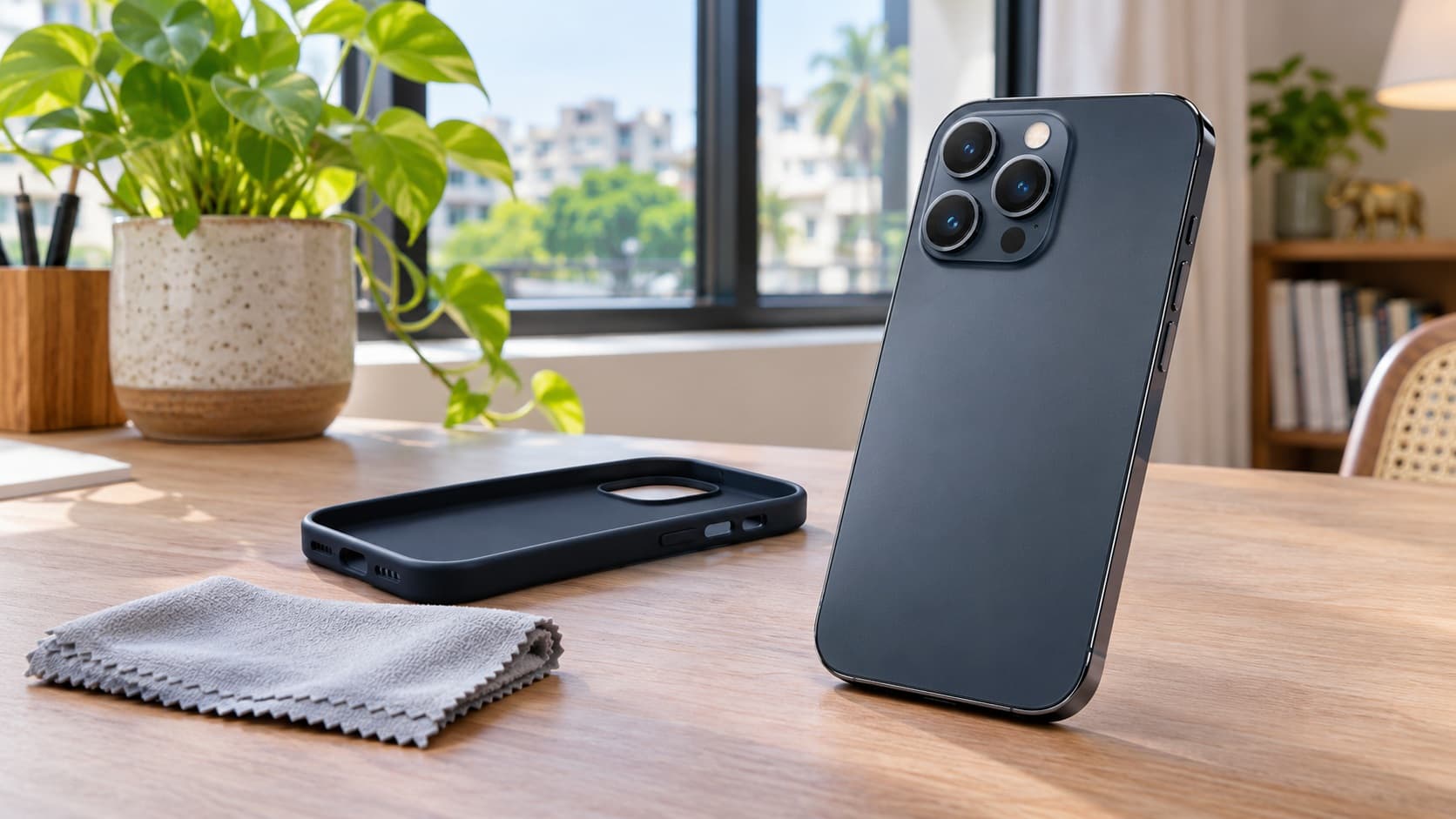
Apple says a thick, metal or battery case can be relevant when wireless charging is slow or fails, and recommends trying removal of that case. Do this only if it is straightforward and safe. Keep the rest of the setup consistent so that you can see whether the case changes the result rather than making several adjustments at the same time.
Do not place objects between the phone and wireless charger. Apple's guidance specifically discusses magnetic mounts, cases and sensitive items such as cards and security badges. Remove items that would sit between the phone and charger and follow the accessory instructions. A wallet-style case should be considered as part of the charging arrangement, rather than ignored during the comparison.
Check movement, wired connections and accessories
Apple notes that vibration can move a phone on a charging mat and cause power delivery to stop. If the phone charges initially but is no longer charging when you return, check whether its position changed. That observation may be more useful than assuming a battery problem from the final percentage alone.
Apple also says the phone does not charge wirelessly when it is connected to USB; it uses that USB connection instead. Check which connection you are actually assessing if both are present. A phone placed on a wireless charger while attached to a computer is not a clean comparison of the wireless charger by itself.
Separately, Apple's charge-speed page says connecting USB-C or Lightning accessories while wirelessly charging limits charging to 7.5W to comply with regulatory standards. It recommends disconnecting wired accessories for faster wireless charging. If you need an attached accessory, factor that trade-off into your routine rather than assuming a faster charging pad will remove every limitation.
The wireless charger and its power adapter should be treated as a pair when checking manufacturer recommendations. A change to one part can alter the arrangement you are testing. Keep a note of the pad, adapter, case and attached accessories, so you can describe a repeatable setup if you ask the charger manufacturer or Apple for help.
Temperature and active use can slow charging
Apple says your iPhone may become slightly warmer during charging and can temporarily put charging on hold in extreme temperature conditions. Charging resumes when the battery returns to its normal operating range. Its guidance suggests moving the phone and charger to a cooler place, and says you can check Battery settings to see whether charging was on hold.
If you see a hold, investigate that observation before reaching for a more powerful adapter. The speed message and a temperature-related pause are not the same explanation. Keep the phone and charger in an appropriate environment and follow Apple's on-device guidance. Do not treat an intentional pause as a target to defeat through repeated reconnection or more powerful equipment.
Active use matters as well. Apple identifies graphics-intensive and processor-intensive activities, including games and camera apps, as possible contributors to reduced charging speed. It also mentions streaming high-quality video, particularly with full display brightness. If you need a quicker charge, its recommendation is to limit those activities during the session.
For a practical check, compare the result when you leave the phone idle rather than continuing the demanding activity. Record what changed. You do not need to stop every ordinary use permanently; you are learning whether your charging expectations match the workload you place on the phone at the same time.
This is especially relevant when you habitually charge while finishing work, recording content or watching video before leaving home. Your useful question is whether a different routine or suitable charging setup gives you enough power when you need it. An advertised speed from a different situation does not replace that everyday requirement.
Stopping at 80 per cent is a separate question
Apple's charging-failure page explains that Optimised Battery Charging can delay charging beyond 80 per cent based on your expected routine, reducing time spent fully charged. It also explains that software may limit charging above that level when the battery gets too warm. These explanations need to be considered before interpreting an unchanged percentage as a failed charging connection.
The same page says the iPhone 15 can have a charge limit that stops charging beyond a selected level. Check the setting on your own phone and decide whether it matches your needs. A charger purchase does not change what you selected in the charging settings. Read the information shown before adjusting a preference you may have deliberately enabled.
Keep a charge limit, a charging-speed message and a battery-health concern separate in your notes. They can all be relevant to your experience, but they answer different questions. A phone reaching its selected limit has not demonstrated a failure simply because it did not continue to full charge. Equally, an unexplained interruption should not be dismissed without checking what actually occurred.
If you still need help, describe the percentage at which charging stops, the message shown and the setting you found. That gives support a more useful starting point than “it never charges properly”. Avoid changing every battery preference together, since doing so makes it harder to understand which setting or condition explained the original behaviour.
When slow charging becomes a service question
A Slow Charger message by itself does not establish a need for service, according to Apple. A phone that will not charge, will not power on after the documented checks or has an unresolved accessory alert deserves the relevant support process. Tell support which situation applies rather than asking for a repair solely on the basis of the speed message.
Apple's charging-failure instructions include restarting, checking safe accessories and connections, allowing time to charge and following the applicable force-restart procedure if the device still will not power on or shows a battery icon. Use the procedure for your exact handset. A forced restart is not a substitute for addressing a damaged accessory or an unclear physical connection.
If you see a liquid-detection warning, use that warning's guidance rather than continuing a charging-speed experiment. ReUz's guide to the iPhone liquid-detected alert covers that distinct situation. Keeping the topics separate helps you avoid treating every charging interruption as a reason to test another adapter immediately.
For an assessment, bring a clear account of the equipment and conditions that reproduce the complaint. Ask whether the provider wants to see your usual cable or charger. Include whether a different suitable setup changed the result, and disclose relevant damage or repair history. Do not present a suspected battery or port diagnosis as established unless an assessment has actually identified it.
Ask for a written India repair estimate
Apple's India service page says inspection determines the final service fee. It also says Apple Authorised Service Providers can set their own fees and provide their own estimates. That is why this article does not invent a charging-port or battery-repair price for your phone. The message and your description alone do not establish the work required.
Ask what the proposal covers, the total payable amount in ₹ and whether any additional charges apply. Apple's page notes that fees can be subject to tax and that delivery fees may apply in relevant circumstances. Confirm the details for your chosen service route before agreeing, especially if you are comparing an estimate with the cost of replacing the handset.
Discuss data preparation before handing over the device, and keep the backup and account access you need. Clarify the proposed work rather than assuming that a charging complaint means every service action is identical. If the explanation or estimate is unclear, ask for clarification before authorising it. A written description gives you something concrete to compare.
Keep the phone, change the charger, repair or upgrade?
Keep the phone and existing setup if it meets your needs and the only concern is a message Apple says does not indicate a fault. You may prefer a slower arrangement that is adequate for your routine. You do not have to upgrade an otherwise suitable handset simply to remove a speed label from the Lock Screen.
Consider changing the charging setup when a suitable comparison shows an improvement that matters to you. Check current specifications and the manufacturer's instructions for the equipment you intend to use. Compare the actual payable cost with the benefit you need, rather than buying several products because their packaging advertises different maximum figures.
Consider repair when an assessment identifies an unresolved problem and the written proposal makes sense for a phone you otherwise want to keep. Include the inconvenience of being without it and any other condition issues in your decision. Do not assume that a repair adds the same amount to a future selling quote as the amount you spend.
Consider upgrading when your phone no longer meets your broader needs, not solely because you saw Slow Charger. Price the replacement you actually want, obtain a condition-accurate quote for your current handset and compare the cash you would need after selling. Keep charging checks and your wider preference for a new device honest and separate.
You can find your exact phone for an instant quote before deciding. Use the actual model, storage variant and condition. This guide gives no ReUz payout amount: check your instant quote and the applicable inspection conditions rather than assuming an advertised maximum applies to your unit.
Describe charging condition accurately when selling
If your phone charges normally for its setup and displays Slow Charger, report the observation accurately if asked. Apple's explanation gives you useful context, but it is not a licence to ignore another known problem. If charging cuts out unexpectedly, a connector is damaged or the phone fails with suitable accessories, disclose that separately.
A useful description identifies the message, the equipment and what happens during use. For example, explain that the battery level increases on one setup but you see an alert on another, if that is what you observed. Avoid claiming a component has failed when you have only seen a message. Let an inspection determine matters you cannot establish yourself.
Use consistent information when comparing buyers or exchange offers. The same model and storage variant in the same condition should underpin the comparison. A high figure based on an assumed fully working phone is not directly comparable with an offer that already accounts for a disclosed charging fault. Ask how the quote may change after inspection.
Keep your observations, any service proposal and your replacement budget together. That makes it easier to decide without revisiting the same uncertainty at every stage. It also reduces the chance that a brief successful test turns into an overconfident claim about the phone's long-term charging behaviour when you still know an intermittent problem remains.
Before arranging pickup, check which personal tasks still depend on the phone: communication, access to accounts and any information you need on the replacement. Complete those preparations while you still control the handset. Keep a copy of your quote and the condition description, and clarify any unanswered inspection question before handover. These are planning steps rather than a new diagnosis of the charging system. They help you avoid making a rushed selling decision simply because a charging message looked unfamiliar, or postponing a sensible change because you assumed the message necessarily meant an expensive repair.
Thinking of selling your iPhone 15?
If you have decided to change handsets, you can sell your iPhone 15 through ReUz after completing the checks relevant to your situation. ReUz offers an instant quote in 60 seconds, free doorstep pickup, on-the-spot UPI payment and data wiped in front of you. Describe any unresolved charging issue before confirming your arrangements.
ReUz's up to 10% more price promise relates to comparable offers for the same model, storage variant and condition band. It is not a guaranteed increase over every offer or a fixed amount for your phone. Check the current quote and conditions, then compare like-for-like figures with any other selling or exchange option you consider.
If you own another handset, search for the model you are preparing to sell. Complete your personal data preparation and verify the information you need before handover. You can then choose between keeping, repairing and selling with a clearer understanding of the charging message and the actual costs involved.
Frequently Asked Questions
Does the iPhone Slow Charger message mean my battery is damaged?
No, the iPhone Slow Charger message alone does not mean your battery is damaged. Apple says it indicates that a higher-wattage charger could improve the charging experience and does not mean something is wrong with the phone or charger. Check the setup and any separate symptoms before deciding on service. An unexplained charging failure, physical damage or another alert should be described and investigated on its own merits.
Why does my iPhone charge more slowly in the car or through a USB hub?
Your iPhone can charge more slowly through a car port or USB hub because those sources may provide less charging power than a dedicated USB-C charger. Apple also says power can be reduced when a charger or hub serves other connected devices. Compare the actual setup with a suitable dedicated connection and note what changes. Do not assume the adapter's overall advertised rating is available to the phone in every arrangement.
Is Slow Charger the same as Incompatible Charger?
No, Slow Charger and Incompatible Charger describe different situations. Apple says Slow Charger indicates that a higher-wattage charger could improve charging. With iOS 26, Incompatible Charger can appear when a connected charger is detected but is not charging. Read the exact message in Battery settings, check the direct connection and follow the appropriate accessory or charging-failure guidance rather than treating the two labels as equivalent.
Why does charging stop at 80 per cent even with another adapter?
Charging can stop or pause around 80 per cent because of Optimised Battery Charging, temperature or a selected charge limit, rather than insufficient adapter power. Apple's guidance explains these separately. Check your charging settings and any hold message before buying equipment or requesting a repair. If the behaviour remains unexplained after the relevant checks, describe the level, message and setup to support instead of assuming that a larger adapter must solve it.
Should I repair slow charging before selling my iPhone in India?
You should establish whether there is a fault before deciding to repair slow charging for a sale. The Slow Charger message alone does not establish one. If service identifies a problem, compare the written repair proposal with an accurately disclosed as-is quote and your plans for the phone. Do not assume a repair increases the selling price by its full cost; check your instant quote and inspection conditions for the exact handset.