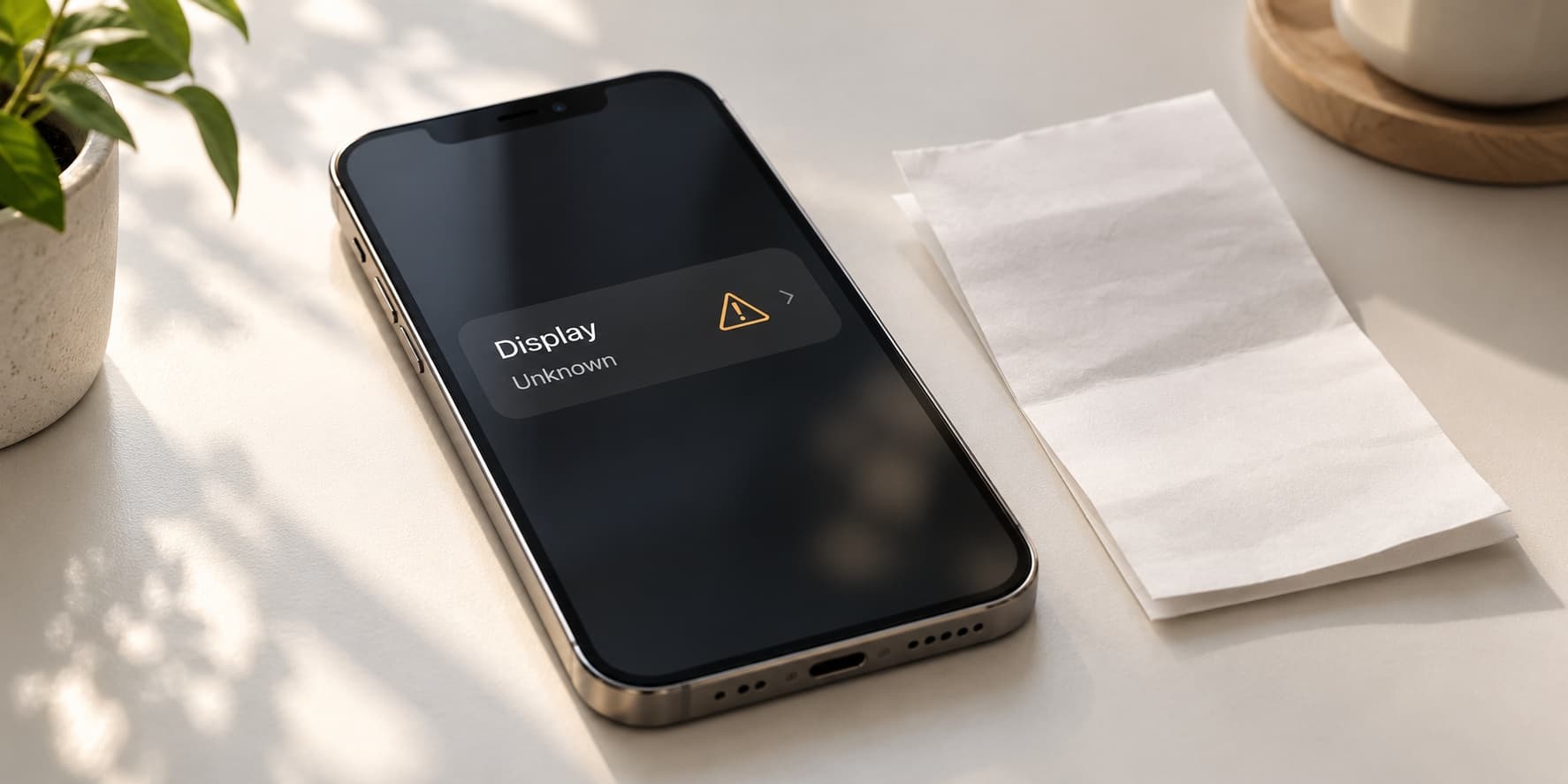
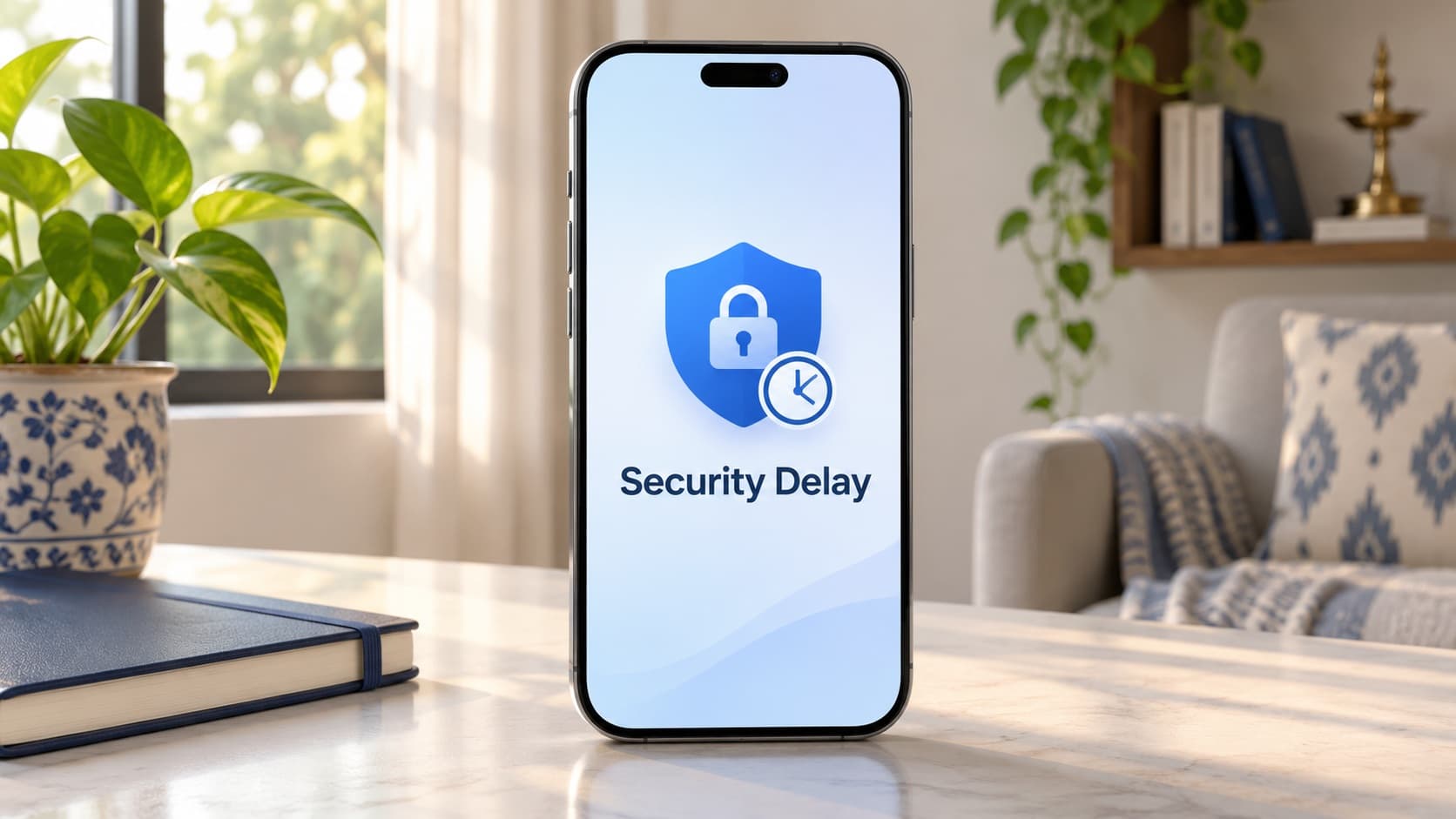
If your iPhone shows Security Delay while you prepare to sell it, follow the on-screen process and allow time for the required authentication before handover. Stolen Device Protection can delay sensitive changes, including signing out of your Apple Account or turning the protection off; some protected actions also require Face ID or Touch ID without a passcode alternative. Check your settings before the pickup appointment rather than assuming an instant quote means the phone is already ready to transfer.
Planning an upgrade? Check your iPhone 15 sell quote while you prepare your backup and account access. You can organise the commercial decision first, then complete Apple's appropriate selling preparation when you are ready for the final handover.
Why Security Delay can appear when you sell an iPhone
A sale often involves actions you do not perform every day: reviewing account access, signing out and preparing the device for someone else. An extra security prompt at that point can feel like a new fault. Read what the phone actually says before treating the interruption as a damaged handset or a failed buyback application.
Apple describes Stolen Device Protection as an additional safeguard for sensitive actions, particularly away from familiar locations. The delay is therefore part of an account-and-device protection process. It is separate from the time a buyer takes to assess the handset and separate from the payment arrangements you agree with that buyer.
For an Indian owner, the practical concern is scheduling. You may have arranged a doorstep appointment between office calls, or you may be changing phones before a journey. The useful response is to check readiness in advance and leave room for the process the device requires. Do not promise a completed handover based solely on the appointment slot.
This guide is for preparing a phone you own to sell or give away. It does not describe bypassing an ownership lock or a security requirement. If access is uncertain, resolve that through Apple's appropriate support process before treating the handset as ready for a new owner.
Separate the security delay from the sale itself
The online quote answers a pricing question
A buyback estimate helps you consider whether selling fits your plans. It does not verify that your backup is complete, that you know your account details or that the device can finish its transfer preparation immediately. Those are readiness questions you need to consider alongside the quote.
Keep the two tracks visible in your notes. On one side, record the model, storage, disclosed condition and estimate. On the other, record your data-transfer needs and any unresolved access prompt. You can make progress on the price comparison without pretending the preparation has already been completed.
The pickup appointment is a practical arrangement
A scheduled visit creates a time to inspect the phone and discuss the assessed offer. It does not change the security conditions on your handset. If you discover an unfinished step, communicate the practical delay before expecting the representative to complete the transaction.
Do not rush an account operation because someone is waiting. Read the screen, understand which action you are authorising and keep control of the device. If the necessary preparation cannot be completed comfortably, arrange a suitable next step rather than handing over a phone with unresolved ownership or personal-data questions.
The phone's prompt needs its own answer
Write down the exact action you were trying to perform and the message shown. Signing out, changing a password and preparing an erase are different operations. A vague report that the phone is locked may lead to advice that does not match your situation.
You do not need to publish a screenshot containing personal account information to ask for help. Describe the prompt and relevant setting through an appropriate support channel. Your purpose is to understand the legitimate next step, not to expose credentials or turn an ordinary handover discussion into account recovery by guesswork.
Check Stolen Device Protection before appointment day
Apple's instructions place the setting under Settings and Face ID & Passcode, with Touch ID wording on applicable devices. Enter your passcode yourself and review Stolen Device Protection. Note whether it is enabled and which security-delay option is selected; follow the screen available on your own handset.
You can review the setting without deciding to sell immediately. Understanding the current configuration helps you plan. It does not mean you should turn protection off casually while you continue carrying the phone for ordinary use. Apple advises turning it off before a sale, gift or trade-in, so place that action within your deliberate final preparation.
Keep any unresolved question small and specific. If you cannot find the option, consult the applicable Apple instructions for the device and software. If you see a prompt you do not understand, ask about that prompt. Avoid changing unrelated account settings in the hope that one of them will make the handover easier.
Your preparation record should contain status, not secrets. “Settings checked; further authentication required” is a useful note. A written copy of your passcode or account password in a shared pickup message is not needed to explain what remains.
Familiar location and Always: what the choice means
Apple distinguishes the usual location-based behaviour from an Always option. Under Always, the additional requirements apply even in a familiar place. Consequently, being at home is not a universal promise that a sensitive change will happen without a delay. Read your chosen setting and the current prompt.
A doorstep pickup may be convenient, but convenience and the phone's interpretation of its security conditions are different matters. Avoid guaranteeing that a particular address will remove every extra step. Plan around what the handset requires rather than a rule copied from someone else's experience.
If your phone was recently transferred or restored, review its actual settings instead of assuming they match your expectations. Apple says protection settings can transfer with the device setup. Check what is active on the handset you intend to hand over and keep the replacement's configuration as a separate question.
You do not need to manipulate location information to prepare a legitimate sale. Follow the available process and allow the required time. If something remains unclear, seek support with the exact message rather than trying unrelated location or account changes simply to shorten the appointment.
Compare common prompts before choosing a next step
The following table separates situations that may otherwise be described as the same lock. Use it to frame a support conversation. It is a planning aid, not a guarantee about the precise screen or elapsed time on every handset.
| Situation | What it concerns | Useful next step | What to avoid assuming |
|---|---|---|---|
| A Security Delay prompt during a sensitive change | The additional authentication process for that action. | Follow the displayed process and plan the appointment accordingly. | The buyer can remove the waiting requirement. |
| A request for Face ID or Touch ID | Authentication that may be required for a protected operation. | Complete the owner's required authentication or seek appropriate support. | Knowing the passcode always substitutes for biometrics. |
| Find My cannot be turned off while protection is enabled | The relationship between the protection setting and Find My. | Review Apple's selling-preparation instructions in the correct sequence. | A price quote establishes transfer readiness. |
| Setup asks for the previous owner's Apple Account | A device that remains linked to an earlier account. | Have the legitimate owner complete the applicable removal process. | A fresh-looking screen proves ownership transfer is complete. |
| You do not know your own account password | An account-access issue to resolve before handover. | Use Apple's appropriate password or recovery guidance. | The pickup visit is a substitute for account recovery. |
Already comparing the financial options? Find your exact iPhone buyback page and check your instant quote. Keep pricing and preparation moving together, with final assessment and transfer readiness still to be confirmed.
Allow time for the full on-screen process
Apple describes some sensitive changes as requiring biometric authentication, a one-hour wait and another biometric authentication. Do not interpret the initial prompt as confirmation that the requested change has already happened. Review the result after the process and confirm the relevant setting yourself.
For scheduling, leave room for more than simply noticing that a timer has ended. You may still need to return to the operation, authenticate and continue your selling preparation. Plan a calm window in which you can use the phone rather than squeezing the task into a moment when you must immediately leave.
Keep practical commitments realistic. If you have not yet established readiness, avoid arranging a tightly timed handover immediately before a train, flight or work meeting. A buyer can explain its appointment arrangements, but it cannot promise the outcome of an account operation controlled by the handset.
If a delay appears unexpectedly, tell the provider that preparation is still in progress. You do not need to disclose the passcode or personal account information to explain that. Agree on what happens next after the legitimate process is completed.
Confirm account access before a retail visit or doorstep pickup
Apple's selling-preparation guidance warns that changing an account password at a store can involve a delay when Stolen Device Protection is enabled. Review your own access before the appointment. That does not mean changing a working password unnecessarily; it means addressing uncertainty while you still have time to follow the proper process.
Identify which Apple Account is signed in on the device and whether you can use the legitimate account-recovery options if needed. Do this privately. An invoice, a handset passcode and an account password answer different questions, so do not assume that having one means every other requirement is already satisfied.
If you need help, start with the issue you actually have. Forgotten account details, a biometric failure and an unexpected delay prompt need different support discussions. Describe the current screen and what you are trying to accomplish instead of requesting a generic unlock.
Do not hand the device to someone with an agreement that they will sort out account access later. Resolve the transfer requirements while you remain involved and can confirm the outcome. A final handover should follow preparation, not become the point at which ownership questions are passed to the next person.
Protect your backup before erasing anything
Apple's sale checklist begins with preparing and transferring your information. Work through the applicable instructions before the final erase. The practical question is whether the information you want to keep is available through the arrangement you intend to rely on after the old phone is gone.
List the material that matters to you: photographs, contacts, important documents and access to the services you use. You do not need to keep everything forever, but decide deliberately. A rushed handover is a poor setting in which to discover that a document or personal record exists only on the handset you are about to erase.
If you use a replacement device, confirm that it serves the tasks you need before releasing the old one. Do not base that decision only on seeing a familiar wallpaper or one restored app. Review the parts of your routine that would be difficult to interrupt, and use the relevant provider instructions for each service.
Keep backup preparation separate from manual deletion of personal items while still signed in. Apple's instructions caution about deleting synced material before the transfer process. Follow the documented sequence rather than creating your own clean-up routine because it appears faster.
Check access as well as stored files
Your phone may be your route into work accounts, payments and travel arrangements. Prepare for continued access after handover using the appropriate account and network-provider processes. This guide does not promise that every app or service transfers through one device operation.
Make a short checklist of the services you cannot afford to interrupt. Check them individually on the setup you will use next, where appropriate, before committing to a pickup time. A small amount of deliberate planning is easier than trying to reconstruct access while the old phone is already being assessed for transfer.
Keep the checklist free of passwords and verification codes. It should tell you what is ready and what remains, not create another copy of sensitive account information. You can organise the handover without turning a planning document into a list of credentials.
Arrange SIM or eSIM service before the final handover
Apple's selling guidance includes removing the SIM and appropriate handling of an eSIM profile when erasing for sale. Coordinate the service transfer with your network provider and the device instructions. Do not erase the old arrangement merely because you have opened a quote page or booked a visit.
For an Indian owner who relies on the same number for everyday access, consider when the new arrangement must be usable. Ask the network provider about the process that applies to you rather than assuming every transfer completes under identical conditions. Keep this planning separate from the price negotiation for the handset.
Verify the communication functions you need through the appropriate setup before releasing the old device. This is a readiness check, not a promise that every service can be tested in the same way. If something remains unresolved, adjust the handover plan to fit the actual situation.
Tell the buyback provider about timing constraints without sharing personal verification messages. It needs to know whether the phone will be ready for assessment and transfer. It does not need your private account codes to understand that your service migration is incomplete.
Understand Find My and Activation Lock separately
Apple explains that Activation Lock is associated with Find My and helps prevent someone else using a missing device. Its pre-owned-device guidance says that a phone still requesting the previous owner's account information remains linked. For a legitimate sale, the appropriate owner preparation must be completed before the next person takes ownership.
A phone that opens to the Home Screen is not evidence of completed erasure. Likewise, a reset-looking screen should not be your only basis for deciding that account association is resolved. Follow Apple's documented selling process and confirm the transfer state through the applicable setup and assessment checks.
If you bought the handset used and an earlier owner's account is involved, contact that owner through the appropriate route. Do not describe the phone as ready for sale just because you can perform some ordinary tasks. The unresolved account association is a different problem from the physical condition of the device.
If the phone is lost or stolen rather than in your possession for a sale, use Apple's lost-device guidance instead of this handover checklist. Preparing a device you own and control for transfer is a different objective from protecting one that is missing.
What if Face ID or Touch ID is not working?
A protected operation can depend on biometric authentication, so an actual biometric problem deserves attention before appointment day. Do not promise that the passcode will answer every prompt. Explain the functional issue to appropriate support and ask how to proceed with the legitimate owner preparation.
Keep a clear distinction between a temporary authentication difficulty and an assessed hardware fault. You can report what fails and which action requires it without diagnosing a component yourself. That accurate account also matters if you later request a condition-based offer.
If service is proposed, ask for the scope and total payable amount in ₹. Do not approve a repair purely because an appointment is imminent. Understand what the work is intended to address and compare it with your plans for keeping or changing the phone.
An unresolved authentication problem should remain visible in the sale discussion. A buyback estimate cannot guarantee that all transfer requirements can be completed, and this guide does not promise acceptance or a payout for every combination of faults and account-access issues.
Use a readiness checklist that does not weaken everyday protection
Plan in stages. First, identify the handset, review your needs and compare offers. Next, prepare backup and service continuity. When you are ready for the final transfer, follow Apple's protection, sign-out and erasure instructions in the appropriate sequence. This keeps a quote enquiry from becoming an unnecessary reason to alter security settings prematurely.
- Confirm the correct handset and storage for the quote.
- Disclose known physical and functional issues.
- Prepare the information and account access you need to keep.
- Review the current protection setting and any required authentication.
- Allow time to complete the relevant owner operations.
- Confirm the final handover process with the provider.
Record completed stages rather than assuming that one successful step finishes everything. A backup, a quote and an account sign-out have different purposes. Checking them individually makes it easier to see what remains without repeating operations unnecessarily.
If your decision changes and you keep the phone, review the security configuration appropriate to continued ownership. A preparation step intended for an imminent transfer should not simply be forgotten when the transfer no longer happens. Use Apple's instructions to understand the state you want the device in.
Plan around the kind of handover you are making
A pickup during a working day
If the appointment falls between calls or other commitments, complete your readiness review beforehand. Keep a realistic window for the assessment and your own decisions. The representative's arrival should not be the first moment you discover that an important account task is unfinished.
Let the provider know about any practical timing constraint and ask what arrangements it can offer. You can explain that preparation is incomplete without sharing the private details of your account. If the process needs more time, make a deliberate arrangement instead of attempting several unfamiliar changes while watching the clock.
A sale while your replacement is still being arranged
If you have not yet decided how you will stay connected after handover, treat that as an open planning item. A good price does not answer whether you will have the access you need that evening. Consider your own communication and work requirements before choosing when the old phone should leave.
Keep commercial enthusiasm separate from readiness. You may be happy with the prospective proceeds and still need to finish the transition. Confirm the offer's actual conditions with the provider rather than assuming that preparation must be rushed to preserve a number that has not yet been physically assessed.
A family member helping you sell
A family member can help organise documents, compare quotes or arrange a convenient time, but the legitimate owner should remain involved in account operations and the final decision. Explain which tasks are administrative and which require the owner's direct attention. This avoids discovering at handover that the person present cannot complete a required step.
Use a checklist that records readiness without circulating account secrets between people. The helper can know that a backup is complete or an appointment needs changing without receiving a password. If support is needed, make sure the owner can participate through the appropriate process.
The appointment changes or the sale is postponed
If the visit moves, review what remains appropriate for the phone's current use. A handset you continue carrying for ordinary tasks is still your responsibility. Do not leave a preparation sequence half-understood merely because the original pickup slot has passed.
Update your notes with the new plan, including any step that needs to be revisited before the eventual handover. This is more useful than repeating the whole checklist from memory or assuming that every earlier action still describes the current state. Keep the records concise enough that you will actually use them.
Describe condition accurately while preparing the sale
The handset's ownership readiness and its physical or functional condition are separate parts of the assessment. A delay prompt does not establish that the battery, screen or camera is faulty. Equally, resolving the prompt does not prove that every hardware function is working.
If you have relevant repair history, keep the documents and displayed information available. ReUz's guide to iPhone display-status messages can help you frame a separate display-history question. Do not let a security-settings discussion replace disclosure of an existing fault.
For an uncertain listing, use the ReUz model search for your exact handset while you can check the device information. Select the appropriate model and storage, and answer the condition questions according to what you know.
Explain uncertainty plainly. If you do not know whether an earlier repair was completed, say so. If an issue is intermittent, describe that rather than choosing whichever moment makes the phone sound best. A useful quote begins with an accurate account and remains subject to assessment.
Compare exchange and selling separately without rushing preparation
A purchase offer may include an exchange allowance, while a separate sale may let you choose a different purchase arrangement. Compare the actual terms available to you. Do not combine a discount from one route with proceeds from another if nobody has offered that combination.
Write the replacement purchase amount in ₹ beside the assessed proceeds you can rely on for the old handset. Keep provisional allowances visibly provisional. A general market figure or a headline maximum is not the same as the final amount offered for your particular condition.
Include the practical sequence in the comparison. Do you need the replacement ready before the old phone leaves? Can your work and communication needs continue during the change? These questions can affect which route suits you without establishing that one route always pays more.
Do not accept a rushed handover simply to meet a promotional deadline. Review the terms, decide whether the offer is applicable and allow the owner preparation required by the phone. A missed timing assumption can be inconvenient, but it is not a reason to skip important account or data steps.
Keep a written record of the offer you are comparing
Save the details of the applicable quote, including the model, storage, condition description and any stated conditions. This helps you compare the same proposal after the appointment rather than relying on a remembered headline. If a condition changes, ask for the reason and consider it against the information you originally supplied.
Keep that commercial record separate from the device's account information. A useful offer comparison contains prices and terms; it does not need your password or passcode. You can retain evidence of the agreement while keeping the owner operations under your own control throughout preparation.
Know what ReUz's quote and price promise cover
Read the ReUz up to 10% more comparison terms when evaluating offers. The uplift depends on comparable quotes and factors such as model, condition and demand. It is not a flat additional 10% for every phone against any number you find online.
Compare equivalent handset details and the same disclosed condition. Keep ownership readiness separate from claims about value: knowing the account password does not establish a premium grade, while seeing a temporary delay does not determine a universal deduction. Check your instant quote and review the assessed explanation.
The online estimate remains subject to physical assessment. Confirm service availability for your address and the process for reviewing the final amount. You can decide after the relevant details are clear rather than relying on an assumed guaranteed payout.
Thinking of selling your iPhone 15?
You can sell your iPhone 15 through ReUz once you have planned both the commercial decision and the owner preparation. Start with an instant quote in about 60 seconds, disclose known issues and allow time for any authentication or security delay before the final handover.
ReUz offers free doorstep pickup in serviceable locations, an in-person assessment, on-the-spot UPI payment and data wiped in front of you. Its up to 10% more promise follows the published comparison terms. Complete the appropriate backup and account steps, then review the assessed offer and handover process.
For a different handset, choose your phone for a current estimate. An instant quote can begin your planning; completed preparation makes the eventual transfer manageable. Keep those stages clear and let the phone's legitimate security requirements shape the appointment timing.
Frequently Asked Questions
Why does my iPhone show Security Delay when I try to sell it?
The message can appear because Stolen Device Protection adds requirements to a sensitive action you are trying to perform during preparation. Check the exact operation and follow the displayed process. The prompt is separate from a buyback assessment, and its presence alone does not diagnose a hardware fault.
Will selling my iPhone from home avoid every security delay?
No, a home pickup does not guarantee that every sensitive action will be immediate. The Always option applies additional requirements even in familiar locations, and you should follow the current prompt on your handset. Check readiness before the appointment rather than promising that a particular address removes all waiting.
Can my passcode replace Face ID for every protected sale-preparation action?
No, some protected actions require biometric authentication without a passcode fallback. If the required biometric function does not work, seek appropriate support before handover. Do not assume that knowing the passcode alone establishes that every account and transfer step can be completed.
Should I turn off Stolen Device Protection as soon as I request a quote?
A quote request alone is not a reason to alter your everyday security configuration. Review the setting so you can plan, then follow Apple's instructions as part of deliberate final selling preparation. Allow time for the required process and complete your backup and access arrangements before releasing the handset.
Does an instant ReUz quote mean my iPhone is ready for pickup and transfer?
No, the quote is a pricing estimate, while readiness also involves your data, account access, protection settings and the provider's final assessment. Check your instant quote, prepare the phone appropriately and confirm the handover arrangements. Review the final offer and resolve any unfinished owner requirements before completing the sale.