Ultimate Checklist Before Selling Phone: Secure Data & Maximize Value
Planning to sell your phone? Whether upgrading to the latest model or decluttering, following a solid phone checklist ensures you protect your privacy, get the best price, and avoid common pitfalls. This checklist before selling phone covers everything from data protection to gather accessories, helping you fetch top value on platforms like Reuz. Let's dive in!
1. Back Up Your Data First
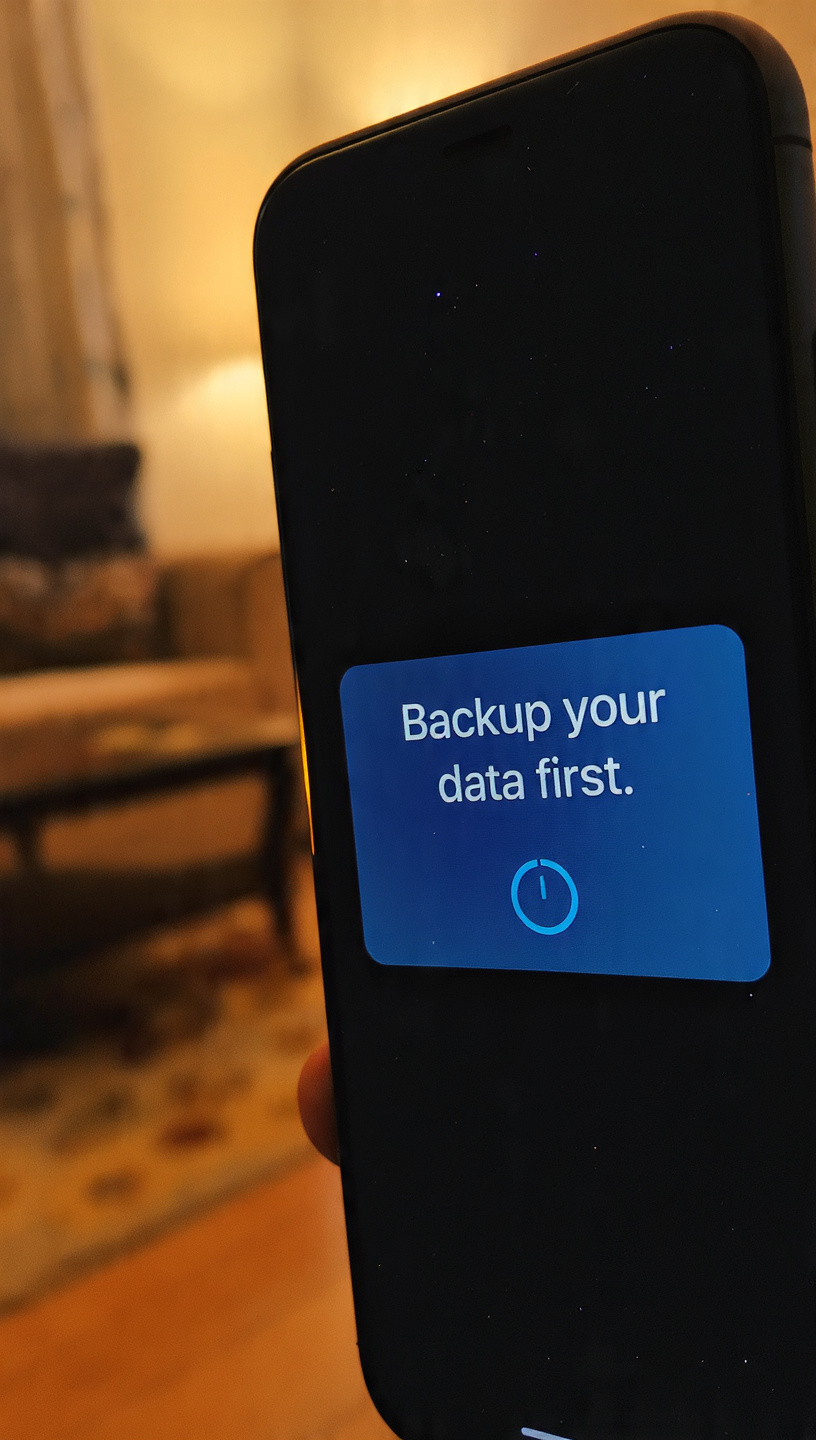
The top priority in any phone checklist is backing up your files. Save contacts, photos, messages, and apps to avoid losing precious memories. Use Google Drive for Android or iCloud for iPhone. Skipping this risks permanent data loss during factory reset.
Sync photos and videos to cloud storage.
Export contacts and export app data.
Verify backup completeness before proceeding.
2. Sign Out of All Accounts & Disable 2FA
Unpair linked devices, log out of Google, Apple ID, social apps, and banking. Turn off two-factor authentication (2FA) to prevent verification codes from hitting your old phone. This step boosts data protection.
3. Unlock Your Device
Ensure your phone is unlock device ready—not tied to a carrier. Contact your provider if needed. Unlocked phones appeal to more buyers, increasing resale value by expanding network compatibility.
4. Perform a Factory Reset
After backups, do a factory reset to wipe all personal data, returning the phone to original settings. On iPhone: Settings > General > Transfer or Reset iPhone. For Android: Settings > System > Reset. This erases traces that recovery tools might find.
5. Remove SIM Card & Storage
Remove SIM and microSD cards immediately—they hold contacts and files. Pop out with a SIM tool or paperclip. For eSIM, contact your carrier to transfer or delete.
6. Clean Your Phone Thoroughly
Clean phone exterior to boost appeal. Use microfiber cloth on screen and body, gentle solution for smudges, and blow dust from ports. A spotless device looks premium, potentially raising bids by up to 70% based on condition.
Wipe screen, back, and sides.
Clean charging port and speakers.
Avoid harsh chemicals to protect finish.
7. Gather Accessories & Assess Condition
Gather accessories like original charger, box, earbuds, and case. Complete kits increase value significantly—up to 70% of resale worth ties to condition and extras. Highlight strong battery life, camera performance, and design in listings for better sales on Reuz.
8. Research Prices & List Smartly
Check market value on Reuz or similar for your model's features like camera quality, battery endurance, and performance. Take high-quality photos from all angles. Be honest about scratches or wear to build trust.
FAQs: Your Phone Selling Questions Answered
1. Why is factory reset essential before selling phone?
Factory reset erases all personal data, preventing recovery by buyers and ensuring data protection.
2. Should I remove SIM before selling phone?
Yes, always remove SIM to protect contacts and carrier info.
3. How to unlock device for selling phone?
Contact your carrier to unlock device if carrier-locked; factory-unlocked phones are ready.
4. Do I need to gather accessories when selling phone?
Absolutely—gather accessories like chargers boosts value by making it feel complete.
5. How to clean phone before listing?
Use microfiber and mild solution to clean phone, focusing on screen and ports for a like-new look.
6. What's the best phone checklist order?
Backup > Sign out > Unlock > Reset > Remove SIM > Clean > Accessories.
7. Does phone condition affect selling price?
Yes, pristine battery, camera, and design yield higher returns on selling phone.
8. Where to sell after checklist?
Platforms like Reuz offer quick, secure sales with great value for verified devices.