5 Quick Fixes to Extend Your Android Battery Life
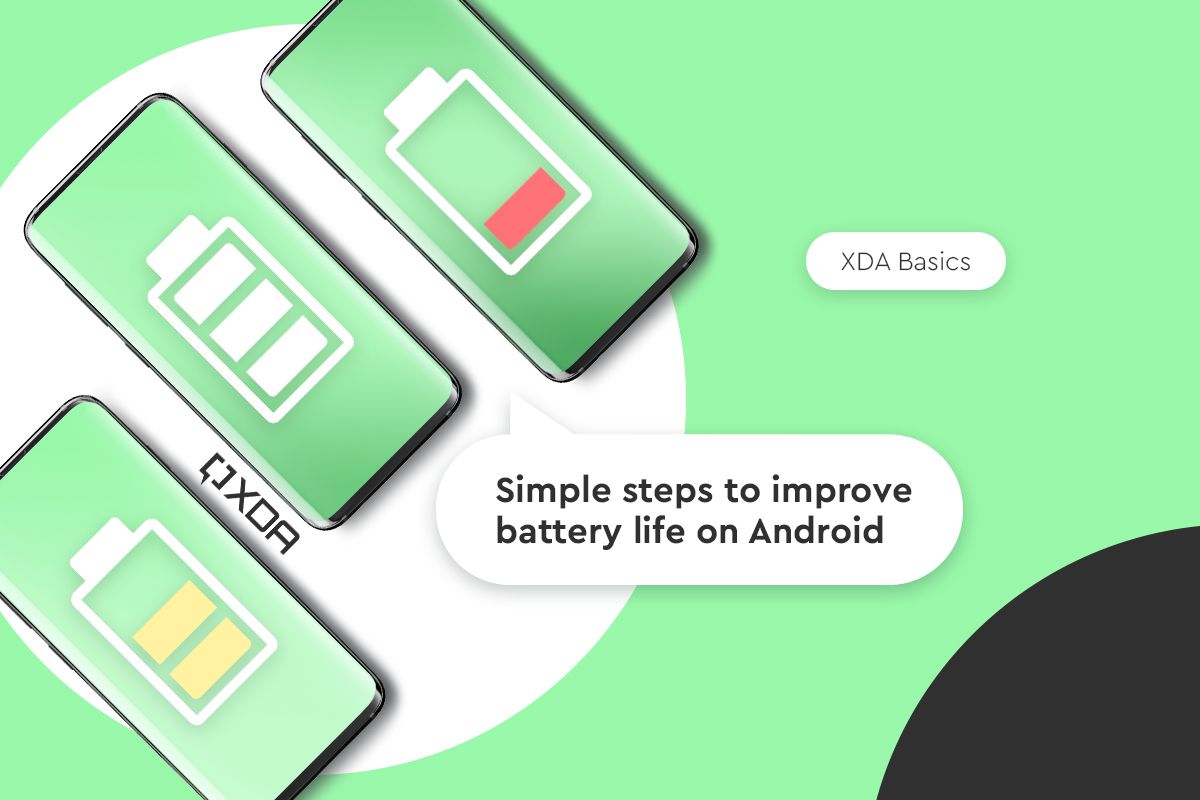
Is your Android battery life shrinking faster than expected? With heavy app usage, background processes, and power-hungry features, battery drain is a common issue for many users. But don't worry—these 5 quick battery fixes can help you extend battery performance, implement battery optimization, and activate battery saver modes for all-day power. Drawing from expert tips, we'll focus on simple tweaks to save battery, reduce phone battery consumption, and enable power saving without sacrificing performance.
1. Activate Adaptive Battery and Battery Saver Mode
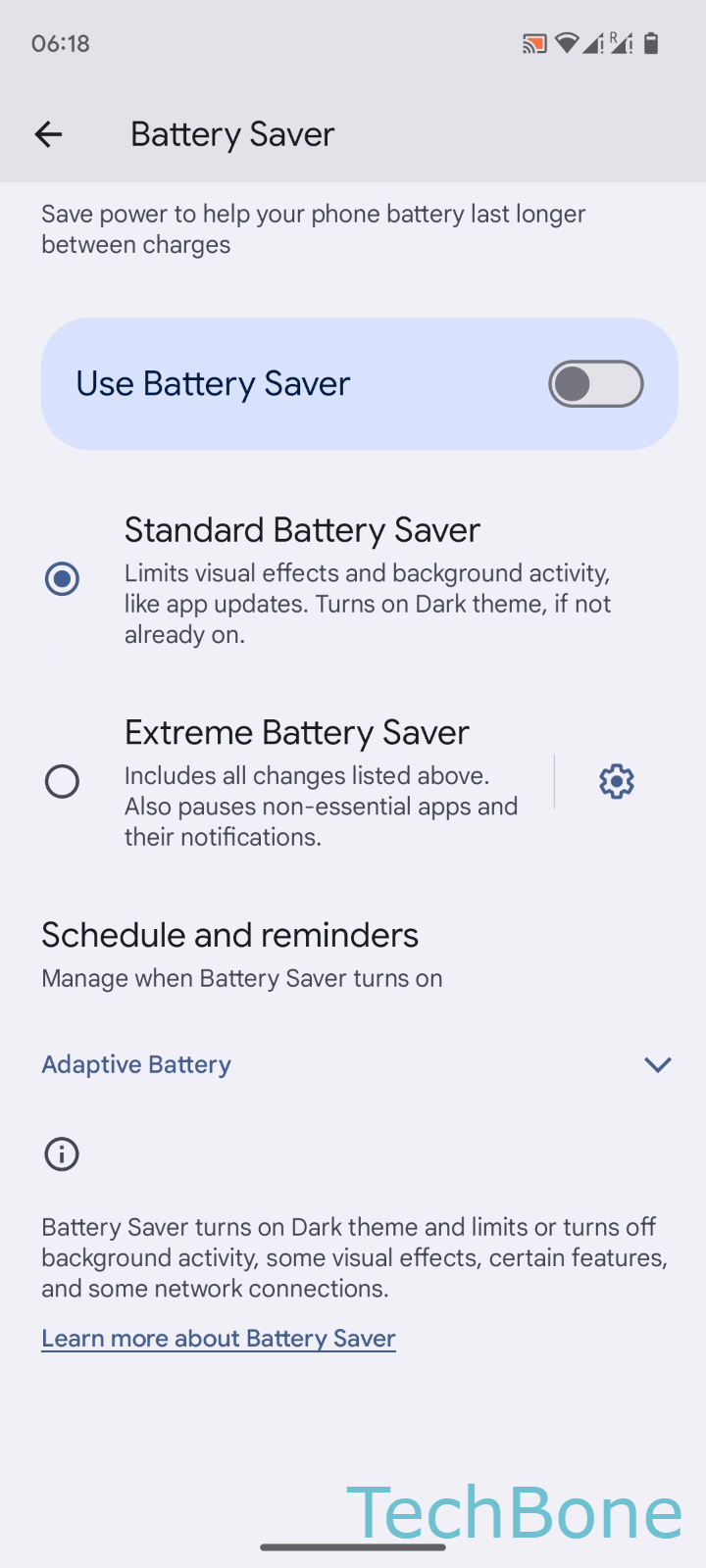
One of the fastest ways to tackle battery drain is enabling Adaptive Battery, which uses AI to restrict background activity on rarely used apps. This battery optimization feature learns your habits and puts unused apps into deep sleep, cutting overnight drain significantly. Pair it with Battery Saver mode—turn it on at 15-20% charge to limit syncing, animations, and vibrations, adding hours of extra use.
- Open Settings > Battery > Battery Saver to enable.
- For extreme power saving, check your device manufacturer's options like Extreme Battery Saver.
2. Optimize Your Display for Maximum Efficiency
Your screen is often the biggest battery drain culprit. Switch to Dark Mode or a black wallpaper, especially on OLED/AMOLED screens, as black pixels consume zero power—saving energy during scrolling or nighttime use. Lower screen brightness manually (disable auto-brightness if it's too aggressive), reduce refresh rate to 60Hz, and shorten screen timeout.
- Go to Settings > Display > Dark theme (on).
- Set a pure black wallpaper for AMOLED Android phone battery boosts.
- Disable Always-On Display and Smooth Display on Pixel devices.
3. Curb Background Apps and Notifications
Apps running silently in the background are silent battery killers. Use battery optimization to prevent unnecessary updates—only refresh email or news when you open them. Disable non-essential notifications, as constant checks drain power. Force-close apps after use and put rarely used ones to sleep.
- Settings > Apps > Special app access > Battery optimization.
- Limit background activity for high-drain apps like social media.
4. Manage Location, Networks, and Connectivity
Power saving shines when you limit GPS, Wi-Fi, Bluetooth, and 5G scanning. Turn off location services when the screen is off, switch 5G Pixels to 4G, and enable Airplane Mode when not needing data. Deactivate 'OK Google' detection and features like Motion Sense or Active Edge.
- Toggle off Wi-Fi/Bluetooth in Quick Settings when idle.
- Restrict app location to 'While using the app'.
5. Update Software, Reduce Vibrations, and Monitor Heat
Keep your system and apps updated to fix battery drain bugs—check Google Play Store for updates. Turn off vibrations, haptic feedback, and delay non-urgent notifications. Avoid heat buildup by using the original charger and closing demanding apps like games. For new phones, charge from 15-100% for a few days to calibrate.
- Settings > System > System update.
- Disable haptic feedback in Settings > Sound & vibration.
Why These Battery Tips Deliver Real Value
These battery fixes and tips enhance your Android phone battery without needing new hardware. They improve overall performance by reducing strain, ensuring smoother operation, and providing better value from your current device. Implement them for reliable all-day Android battery life, fewer charges, and peace of mind on the go.