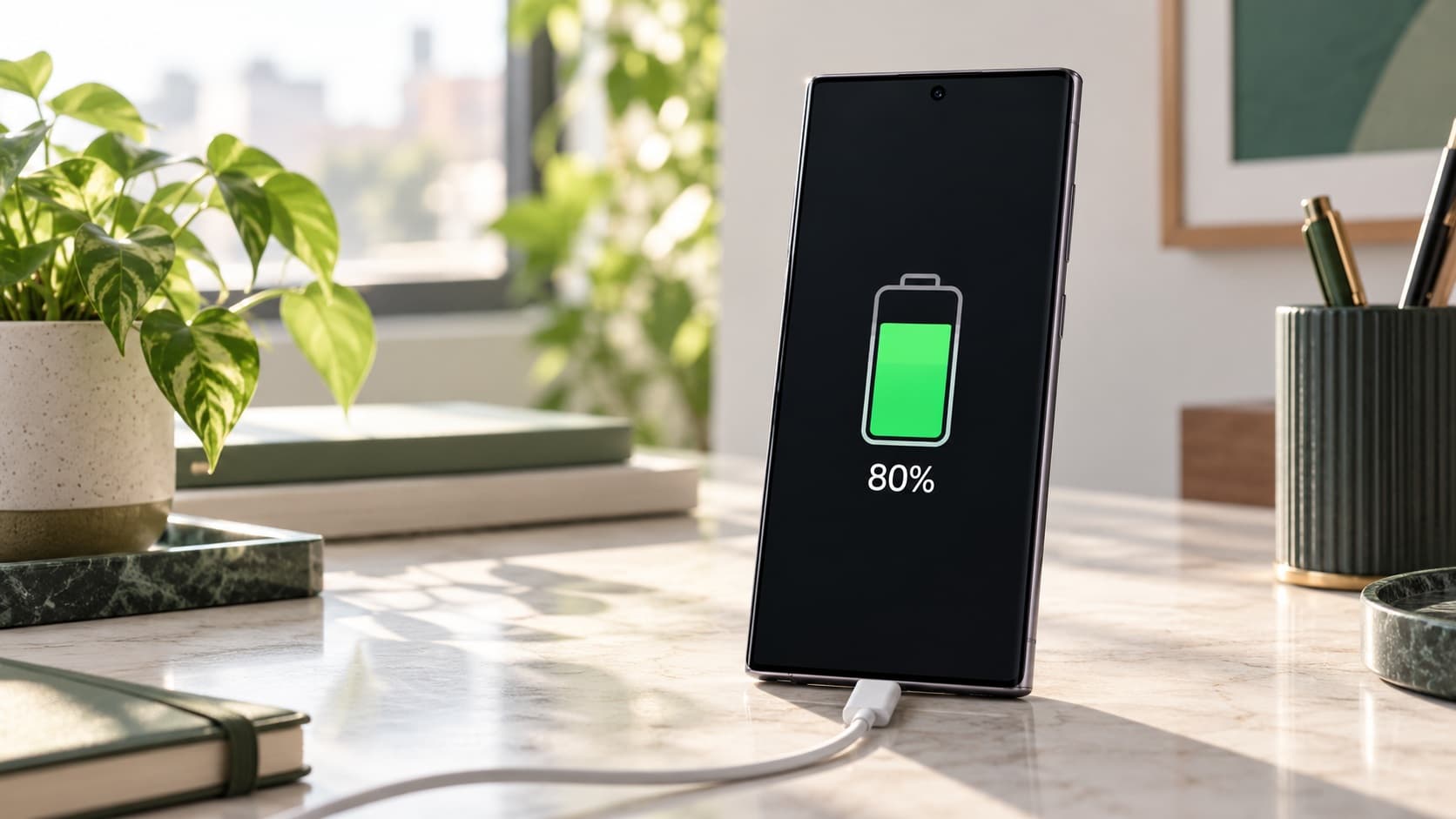
If your Samsung Galaxy stops charging at 80% or another selected percentage, check Battery Protection before assuming the battery needs replacing. A configured charging limit can explain the pause; it does not, by itself, mean your battery health has fallen to that percentage. The right next step is to identify your phone's setting, then consider any separate symptoms such as noticeably shorter usage time.
Already planning to change phones? You can check your Galaxy S24 Ultra sell quote before spending on a repair you may not need. Describe the handset's actual condition and use the assessed offer, rather than a charging-limit screenshot, to plan your next purchase.
Why your Samsung stops charging at a particular percentage
A charging ceiling and a charging failure can look similar when you glance at the status bar. In both cases, the number may stop rising while a cable is connected. Start by asking whether the phone has been instructed to stop there. This is a more useful first question than ordering another charger or accepting a battery-replacement recommendation based only on the number you see.
Samsung's current India Battery Protection guidance describes Basic, Maximum and Sleep time protection. Its earlier One UI 6.1 guidance uses the name Adaptive for the sleep-based option. That difference matters when you compare your phone with a video or an older help article: the wording and available controls depend on the device and software.
Read the explanation displayed on your own handset. Write down the selected mode and any selected ceiling before changing anything. If the setting explains what you are seeing and the phone otherwise works as expected, you have a straightforward configuration question to resolve. If the behaviour does not match, keep investigating the discrepancy rather than assuming the feature explains every charging complaint.
This guide focuses on that distinction. It does not assign a battery-health score to your phone, guarantee a particular service outcome or claim that one charging habit earns a fixed resale premium. You can make a useful decision without any of those unsupported promises: understand the setting, check whether your daily needs are met, and seek an assessment when a separate problem remains.
Understand the difference between charge level, limit and condition
The charge level tells you what is available now
The number beside the battery icon describes the current charge level shown by the phone. Treat it as information about your present use, not a certificate of the battery's original capacity. A screenshot showing a partially charged phone cannot tell a buyer everything about its condition, and a full-charge screenshot cannot establish that it will meet your needs throughout the day.
For everyday planning, ask what you can do before the next convenient charging opportunity. Can you complete your commute, make calls and access the apps you need? A percentage is useful when connected to those tasks. It becomes misleading when you treat it as a universal ranking of one used phone against another with a different routine, setting or condition.
The charging limit is a setting you choose
A ceiling is an instruction about where charging should stop under the selected protection mode. It is therefore possible to choose less than a full displayed charge without declaring the remaining portion of the battery unusable. Keep the language precise when asking for help: “The phone reaches its configured limit” describes a different situation from “The phone cannot charge properly”.
Before a service visit or sale enquiry, photograph the relevant settings page for your own records. Include the mode name, not just the large battery number. This gives the person helping you a clearer starting point and reduces the chance that a normal setting becomes an unnecessary discussion about replacing parts.
Battery condition is a separate question
Samsung's battery-replacement guidance describes the battery as a consumable component and identifies shorter usage time or unexpected switching off as reasons to check its condition. Those observations deserve attention even if Battery Protection is enabled. Equally, the presence of a ceiling alone is not evidence that you need a replacement.
Keep three separate entries in your notes: the selected charging mode, the runtime you actually experience, and any diagnostic result or professional assessment. Combining them into one unexplained percentage makes the situation harder to understand. Separating them helps you decide whether you need a settings adjustment, support advice or a wider ownership decision.
Compare Samsung Battery Protection modes
The following table summarises Samsung India's published descriptions. Match the entry to your available screen; it is not a promise that every Galaxy offers every control. In particular, a guide for a newer software version should not be used to conclude that a missing option on your own device is a fault.
| Mode or software context | Published charging behaviour | What you should check |
|---|---|---|
| Basic | Stops at 100%; charging resumes at 95%. | Whether you selected Basic rather than a lower ceiling. |
| Maximum in One UI 6.1 guidance | Stops at 80%. | The software guidance applicable to your handset. |
| Maximum with selectable limits | Choices of 80%, 85%, 90% or 95%; Samsung says this selection is provided from One UI 7.0. | The actual ceiling shown in your menu. |
| Adaptive or Sleep time protection | Uses a sleep-based charging schedule, aiming for a full charge around waking. | Its explanation, permissions and suitability for your routine. |
| Earlier Protect battery guidance | A maximum charge of 85%. | Whether you are reading instructions for an older software context. |
If your ownership decision goes beyond a setting, find your Samsung model's buyback page and check your instant quote. You can compare the cost of keeping your existing phone with the actual amount you would need to change, without treating Battery Protection as a reason to upgrade on its own.
Choose according to access to charging
The practical question is whether the available charge meets your routine. If you work near a suitable charging point and rarely finish the day short, you may be comfortable using a lower ceiling. If your phone must support a long day away from reliable power, you may prefer a different available mode. Neither choice needs a claim about exact extra years of battery life.
Think about the days that are difficult, not only the days that are easy. A quiet day at home may tell you little about a field visit or a family journey. List the tasks you cannot afford to lose access to, then choose a setting you can live with. The purpose of the phone is to serve those needs, and your charging routine should be practical enough to maintain.
A sleep-based option needs a suitable routine
A sleep-based mode is worth considering if its behaviour fits your schedule. Samsung cautions that irregular sleep can affect how the feature works. For a changing shift pattern or an unpredictable departure time, pay attention to the phone's actual result instead of assuming that the mode name guarantees it will be ready whenever you happen to leave.
Before relying on it for an important morning, inspect the available explanation and any required permissions. If you prefer not to enable a permission, make your choice with that limitation understood. You do not need to grant access solely because an online guide uses a particular feature; select an available arrangement that fits both your routine and preferences.
Find the setting without following an outdated screenshot
Samsung's current instructions place Battery Protection under Settings and Battery, with a route through Device care also described. Its One UI 6.1 guide similarly directs you to Settings, Battery and Battery protection. Use these as signposts, then follow the wording displayed on your device. Menu differences are a reason to consult applicable guidance, not to change unrelated controls.
- Open your phone's Settings and locate the Battery section.
- Look for Battery Protection or the corresponding protection control shown on your handset.
- Read which mode is selected and note any ceiling.
- Compare that setting with the point where charging pauses.
- If you change the mode for your routine, make one clear change and observe the result.
Avoid changing several settings together simply to make the percentage move. You will then struggle to explain which change mattered, and you may create a routine that is inconvenient to repeat. A small note of the original configuration lets you evaluate an adjustment deliberately rather than trying to reconstruct it later.
If you cannot find the feature, check your device and software information and consult Samsung support for that combination. Do not assume that another person's screen applies because both handsets carry the Galaxy name. Model availability, installed software and menu wording are distinct details; an online screenshot may leave some of them unstated.
You also do not need to install an unfamiliar utility merely to locate a built-in setting. Start with the manufacturer's instructions and the menus you can verify. If support needs more information, share the relevant device details through its appropriate channel rather than posting account information or personal screenshots publicly.
Why an 85% guide and an 80% guide can both be correct
Samsung's earlier Protect battery page describes an 85% ceiling. Its One UI 6.1 page describes a different protection arrangement. These are software-context descriptions, not competing measurements of your phone's condition. When searching for an answer, check which version a page discusses before deciding that your handset has lost an option or developed a defect.
A useful help request therefore includes the device, software information, selected mode and observed behaviour. “My Samsung stops charging” leaves the responder guessing. “The selected protection option matches the point where charging pauses, but I need more charge for my commute” leads to a much more relevant conversation about choosing an available mode.
Likewise, do not choose a replacement handset only because a screenshot shows more charging choices. Start with the tasks your existing phone cannot meet. If the only issue is that you selected an inconvenient ceiling, adjusting the configuration may answer the practical problem without a purchase. If other limitations remain, evaluate those separately.
Keep old bookmarks in perspective. A page can accurately document an earlier feature while no longer matching your current menu. This does not make every older instruction useless; it means you need to connect the instruction to the right context. Read the scope before following the steps, especially when the search result shows only a short excerpt.
Make a charging plan for your actual day in India
For an office day with predictable access to power
Begin with your normal arrival and departure routine. If charging is convenient during work, consider whether a lower available ceiling leaves you comfortable on the journey home. Keep the experiment ordinary: use your phone for the tasks you normally perform, and note whether you needed an inconvenient extra charging stop. You are testing suitability, not running a laboratory battery test.
Do not judge the result only by how much charge remains while the phone sits on your desk. Include calls, travel arrangements and the period after you leave work. A setting that looks ideal in the office but creates repeated difficulty later is a poor fit for your day. Your own observations can justify choosing differently without proving that the feature is ineffective.
For travel, field work or a long day out
Plan around access rather than optimism. Think through when you will need navigation, calls, tickets and payment apps, and when you can reasonably charge. If an available mode gives you more useful starting charge for that day, consider it before departure. Avoid making an important trip the first occasion on which you discover that your usual ceiling does not fit your plans.
This is a planning recommendation, not a promise that any chosen percentage lasts for a fixed number of hours. Your activities and handset condition matter. Prepare essential information so that an interrupted phone routine does not leave you dependent on finding a particular charging point at exactly the right moment.
For changing shifts or irregular sleep
Write down when you actually need the phone ready rather than when a conventional overnight schedule would expect it. If your routine changes frequently, judge any sleep-based feature by how it works for you. A mode designed around a pattern should not become a source of uncertainty before an early shift or a late-night journey.
You can also keep the decision simple. Select an available arrangement you understand, then review it when your routine changes. There is no need to keep switching modes because another owner reports a different preference. Your work pattern, charging access and tolerance for extra planning are legitimate parts of the decision.
Test whether the setting fits, without chasing perfect percentages
Choose a representative day and record a few useful observations: your starting charge, the selected protection setting, the tasks you completed and whether you reached the next charging opportunity comfortably. A short record is easier to interpret than a collection of unrelated screenshots taken during unusually light or heavy use.
Keep the comparison fair enough to be meaningful. A day spent mostly at your desk and a day spent travelling answer different questions. You do not need identical usage, but you should notice the difference before attributing every change to the charging mode. Describe what happened rather than turning a single experience into a universal recommendation.
Decide in advance what success means for you. It might mean reaching home without interrupting your work to charge, or avoiding the need to plan a top-up during a regular appointment. That practical criterion is more useful than trying to finish each day at an impressive-looking number. The best setting for you is one that supports reliable use.
If the experiment is inconvenient, adjust an available setting and reassess. Do not interpret your preference for more starting charge as a failure of discipline. Equally, do not keep an unsuitable arrangement only because a forum describes it as the best practice for everyone. You can value long-term care while still choosing a routine that works.
Keep a simple decision note for later
Write your preferred routine somewhere you can find it again: which mode you selected, why it suits your usual day and what would make you reconsider. This is particularly helpful if someone else helps manage the phone or you are preparing it for a family member. The note should explain your choice without claiming that the setting guarantees a particular battery lifespan.
If your circumstances change, revisit the reason rather than automatically preserving the old choice. A new commute, different work location or less convenient access to power can change what is practical. You can make a different decision while still understanding the purpose of protection. Consistency is useful only when the routine continues to meet your needs.
Keep personal planning notes separate from evidence of condition. A buyer can assess the handset and review disclosed history, but your preference for a particular mode does not prove a precise capacity figure. When you later compare offers, rely on the quote and inspection terms. When you compare daily usability, rely on your experience completing the tasks that matter to you.
When a charging cap does not explain the problem
A known ceiling answers a narrow question: why charging may pause at that configured point. It does not explain every case of poor runtime, unexpected shutdown or a warning displayed by the phone. If you have another symptom, record it separately and use the relevant manufacturer guidance rather than repeatedly changing Battery Protection.
For example, describe whether the phone reaches the intended ceiling reliably, whether use afterwards has become noticeably shorter, and whether any warning appears. These observations help support distinguish a configuration question from something requiring assessment. Avoid naming a failed component unless an appropriately qualified assessment has established it.
Do not use a settings change as a reason to disregard physical damage or a concerning device warning. Seek appropriate support for the actual condition. This guide is about understanding charging controls; it is not a procedure for dismantling a handset, bypassing a protective alert or proving that a damaged battery is suitable for continued use.
If the result remains unclear, ask Samsung support a focused question with your notes available. You may be told to follow model-specific checks or obtain an inspection. Keep the outcome of that conversation so that you do not repeat unrelated internet suggestions while losing track of what has already been checked.
Use Samsung Members to ask a better battery question
Samsung India's replacement guidance describes a battery check in Samsung Members: open Support, start Phone diagnostics and review Battery status. Follow the screens available on your device. The manufacturer says that these diagnostics provide general information; detailed technical help and repairs should be discussed with Samsung support.
Record the result as displayed. If you receive a status you do not understand, ask what it means for the symptoms you reported. Do not convert a category into a precise percentage or a guaranteed remaining lifespan. The diagnostic and your real-world experience are both useful, but neither should be stretched beyond the information it actually provides.
Bring a concise account of any problem to the discussion. Include what changed, how it affects ordinary use and whether a warning repeats. If a diagnostic appears reassuring but a recurring problem continues, report both. Choosing only the piece of evidence that supports your preferred conclusion makes the service conversation less useful.
Before approving replacement work, ask for a written explanation of the proposed repair, the total payable amount and the applicable terms. A charging limit alone should not become your assumed diagnosis. Understanding what the provider proposes to fix helps you decide whether the service addresses your complaint or whether you first need further clarification.
Should you repair, keep or sell the phone?
Keep it when the configuration solves your complaint
If the phone meets your needs once you understand its available charging modes, you have a strong reason to keep using it. You do not need to manufacture an upgrade case because the screen stopped short of a full charge. Spend some time with the setting that suits your routine before deciding that another handset is necessary.
Also consider the effort involved in changing devices. You will need to plan data transfer, account access and the handover. That work can be worthwhile when a replacement solves a real problem, but it belongs in the decision alongside money. A straightforward settings explanation may save both an unnecessary service appointment and an unnecessary change of phone.
Assess repair when a separate battery issue affects use
If a professional assessment identifies a problem and you otherwise like the handset, compare the proposed work with your remaining needs. Ask whether the service is expected to address the symptom that matters to you. Keep other limitations, such as storage preferences or a change in work requirements, separate from the battery conversation.
Evaluate the total cost in ₹ from the actual written proposal. This guide does not assign a national battery-replacement price because the relevant amount must come from the service terms applicable to your device. Do not compare a headline starting price with a complete assessed offer as if they represented the same scope of work.
Consider selling when you intended to change anyway
If you already plan to move on, check your instant quote with an accurate description of the handset. Be clear whether it simply uses a charging ceiling or has an unresolved problem. Do not describe an ordinary protection setting as a failed battery, and do not hide a real runtime complaint behind the fact that the setting is enabled.
If you cannot find your exact variant, use the ReUz phone model search while you can check the device information. The model, storage and actual condition matter to the assessment. A familiar product name or a screenshot from another owner's phone is not enough to establish your own sell value.
Compare the money without inventing a resale premium
There is no payout uplift promised here for keeping a particular protection mode enabled. A past charging habit is not an assessed offer. Ask for the quote that applies to your handset and consider its physical and functional condition. If a buyer asks about battery behaviour, give the observations and history you can substantiate.
When deciding whether to repair before selling, compare the assessed as-is proceeds with the expected proceeds after the quoted work, less the total repair cost. Keep the assumptions visible. Unless someone has assessed the repaired scenario and explained the terms, you should not treat the higher figure as guaranteed money.
For an upgrade, write the actual replacement purchase amount beside the proceeds you can rely on from the old phone. An exchange allowance may have conditions; a separate buyback estimate may also require inspection. Compare the routes available to you under their own terms rather than combining the best parts of unrelated offers.
You do not need a prediction about a future sale event to make this comparison. Current, applicable figures are more useful than an advertised saving you cannot claim. If you choose to wait, do so because the present arrangement still serves you or the purchase does not fit your budget, rather than because this guide promises a future resale value.
Prepare a clear handover if you decide to sell
Explain the charging setting in plain language and disclose any separate faults. Keep repair documents available if relevant, and answer the condition questions carefully. A clear description helps the assessment begin with the right information; it does not remove the need for inspection or lock an online estimate into a final price.
Plan your backup and account transfer before the appointment. For the distinction between a repair handover and selling preparation, read ReUz's Galaxy Maintenance Mode and factory-reset guide. Complete the preparation appropriate to a sale rather than assuming a previous repair arrangement is sufficient.
Confirm pickup availability for your address and ask how the final offer and payment will be handled. Keep access to the accounts and services you need during the transition. A convenient handover still needs planning when your phone is your main way to receive verification messages, arrange travel or manage everyday payments.
Review ReUz's up to 10% more price-promise terms before comparing offers. The uplift concerns comparable quotes and depends on factors including model, condition and market demand; it is not an automatic additional 10% for every handset. The online estimate remains subject to the physical assessment and applicable terms.
Thinking of selling your Galaxy S24 Ultra?
You can sell your Samsung Galaxy S24 Ultra through ReUz after deciding whether a setting adjustment is enough or you are ready to change devices. Start with an instant quote in about 60 seconds, describe any known issue accurately and confirm service availability for your location. Check your instant quote rather than relying on a general resale figure.
ReUz offers free doorstep pickup, an in-person assessment, on-the-spot UPI payment and data wiped in front of you. Its up to 10% more promise is subject to the published comparison terms. Review the final assessed amount and the process before agreeing to hand over the device.
For another handset, choose your phone for a fresh estimate. Your decision should follow the actual condition and your needs. A configured charging ceiling is information to understand; a persistent battery complaint is information to assess. Keeping that distinction clear helps you avoid an unnecessary repair and make an informed sale when the time is right.
Frequently Asked Questions
Why does my Samsung stop charging at 80%?
Your Samsung may stop there because Maximum Battery Protection is selected. Check the mode and ceiling displayed in your Battery settings and compare them with the applicable Samsung guidance. If the setting does not explain the behaviour, or you also experience unexpected shutdowns or noticeably reduced use, describe those symptoms separately to support.
Does an 85% charging limit mean my battery health is 85%?
No, a configured charging limit is not a measurement of remaining battery capacity. It describes the chosen charging behaviour. Review your actual runtime and use the manufacturer's battery-check guidance if condition concerns remain. Do not present the limit as a health score when asking for service or requesting a buyback quote.
Which Battery Protection mode should I use for a long commute?
Choose an available mode that lets your phone reliably cover your commute and the tasks you need before the next charging opportunity. Evaluate it on a representative day rather than using another owner's preferred setting as a rule. If a lower ceiling repeatedly creates inconvenience, reconsider your configuration before deciding that you need a replacement phone.
Should I replace the battery before selling my Samsung in India?
You should not replace it merely because charging stops at a selected protection limit. If there is a separate assessed fault, compare the written repair cost in ₹ with an accurately described as-is quote and any substantiated post-repair offer. A repair expense does not automatically return the same amount through resale.
Can I sell a Galaxy with Battery Protection enabled?
Battery Protection being enabled does not by itself establish a defective battery or a guaranteed sell value. Select the correct model, describe its real condition and check your instant quote. Disclose any known battery or charging issue, prepare your data appropriately and review the final offer after assessment before completing the sale.