If your iPhone speaker is not working, first separate ringtone, media and call sound, then check the relevant volume, sound settings, playback destination and any blocked opening. Apple recommends a Ringtone and Alerts test and a speakerphone comparison; persistent silence, distortion or a dimmed speaker control can warrant service rather than an assumed quick repair.
Already considering a replacement? Check your iPhone 15 sell quote with an accurate description of the sound issue, then compare the offer with the result of the relevant checks and any written service proposal.
Describe which sound is missing or distorted
“Speaker not working” can mean that you miss incoming rings, cannot hear a video, struggle to hear a caller through the receiver or hear crackling on speakerphone. Those observations deserve separate notes. Start with the task, the output you expected and what you actually heard. Do not assume every sound complaint proves the same internal part has failed.
Keep incoming and outgoing sound distinct. If the other person cannot hear you, that is different from you being unable to hear them. A microphone complaint and a speaker complaint may occur on the same handset, but they are not interchangeable. This guide focuses on sound you hear from the phone, not diagnosing every recording or voice-input problem.
Describe quality as well as loudness. “Quiet but clear”, “no sound” and “crackling only during calls” give support different starting points. Include whether the result changes with speakerphone, a different playback item or another call. A useful description does not require you to know which component is involved; it requires you to be precise about the experience.
This guide uses Apple's fetched sound-troubleshooting and user-guide pages, plus its India service page. The comparison, record-keeping and budgeting suggestions help you organise your decision. They are not a remote inspection of your individual handset or a guarantee that any one setting will resolve every type of distorted or missing audio.
Compare the main iPhone sound complaints
Use this table to choose a relevant starting point. Test one ordinary task at a sensible listening level, note the result and change one relevant thing at a time. Repeatedly moving every slider and switching accessories without tracking the outcome can make it harder to understand the original complaint.
| What you notice | Useful first check | What to record | What not to assume |
|---|---|---|---|
| Incoming rings or alerts are missing | Review Silent mode, Do Not Disturb and the relevant alert control | Whether Apple's Ringtone and Alerts test produces sound | Every media or call output must also be broken |
| A video or music item is quiet | Adjust media volume while it plays and check playback destination | Where sound is being sent and whether the same item changes | A ringtone slider necessarily controls this playback |
| A caller is difficult to hear | Check receiver obstruction and compare speakerphone as Apple advises | Whether the complaint is call-only or occurs elsewhere | The speaker is the only possible cause |
| Static or crackling persists during a call | Repeat later or from another location, following Apple's guidance | Whether the sound test and another call differ | One call proves a handset hardware fault |
| No sound in Apple's slider test or its speaker control is dimmed | Seek the relevant service assessment | The exact test result and checks already completed | A repair fee is known before inspection |
If your wider needs already favour a replacement, explore ReUz's Apple selling options while you investigate. Keep an unresolved sound issue in the condition description instead of treating a brief successful test as proof that the handset is fault-free.
Check the volume for the task you are testing
Apple's volume guide explains that the volume buttons control media while audio is playing and ringer or alert volume in other circumstances, subject to the relevant settings. That is why timing matters. If you want to check a video, play the item and adjust the volume then rather than relying on what happened when the phone was idle.
You can also adjust volume in Control Centre. Check the control relevant to the playback and keep the level comfortable. This is a comparison of behaviour, not a reason to play the loudest possible sound near your ear. A sensible, repeatable level is enough to determine whether you hear sound and whether it is clear.
Apple describes a Change with Buttons option in Sounds and Haptics that affects whether the buttons change alerts. Review that setting if the buttons appear to behave differently from your expectation. Read the actual labels on your software rather than assuming a screenshot from another version describes every control on your handset.
The practical aim is to know which volume you changed. A louder ring does not establish that a particular video is playing through the built-in speaker, and a quiet media item does not by itself establish that alerts are muted. Keep those observations separate so the next check answers a useful question.
Review a speaker-volume limit where available
Apple's current volume guide describes a Built-In Speaker Volume Limit and a Reduce Loud Sounds option in supported settings. If your phone offers those controls, check whether they explain the result you are seeing. Their presence and wording should be read on the device rather than assumed from a general description.
A deliberately selected limit is a different explanation from a speaker that produces no sound in a relevant test. Do not remove a preference without understanding why it is set, particularly on a shared or family-managed phone. If you change a setting you control for comparison, note the original state and judge the actual result rather than assuming the setting's name proves the cause.
Use Silent mode and Focus checks in context
Apple's speaker-troubleshooting guide begins by checking Silent mode. For a Ring/Silent switch, it describes moving the switch towards the display so orange is not showing. On devices that use an Action button, it describes checking the relevant Silent mode controls. Follow the controls on your model rather than assuming every handset has the same physical switch.
Read what your Action button is configured to do before using it as a silent-mode test. Apple's guide notes that its assigned function can be changed. A button press that does something else is not evidence that the sound system has failed; it may simply not be the silent-mode control in your current setup.
Apple also recommends opening Settings, Focus and Do Not Disturb and checking that Do Not Disturb is off for its troubleshooting process. Review the setting, then repeat the relevant task. Keep this check distinct from media playback and call quality instead of treating any Focus state as an explanation for every possible sound complaint.
If a setting explains the missing alert, decide what behaviour you actually want going forward. You may have enabled a quiet period intentionally. The useful outcome is an understood configuration that fits your needs, not a phone with every sound-related setting changed just to make one test succeed.
Check whether playback is going to another device
Apple's Bluetooth audio guide explains that you can play audio from the iPhone on a connected accessory and change the playback destination from the Lock Screen or Control Centre while audio plays. Use the playback-destination control to see where the item is being sent. Sound routed to an accessory is a different observation from sound missing from the intended built-in output.
Choose the intended destination for your comparison and repeat the same item. Record whether the result changes. Do not conclude that the built-in speaker is broken solely because an app was sending playback somewhere else. Equally, do not dismiss a persistent built-in sound complaint just because a separate accessory can produce audio.
Keep the accessory identity clear, especially when you use several devices at home or work. You should know which destination was selected during the test. A label in a playback list and a familiar-looking icon can be useful clues, but the actual listening result and chosen output are what make the comparison meaningful.
Apple's guide says the playback destination returns to the iPhone if the Bluetooth accessory moves out of range. For a deliberate check, use the available destination controls rather than relying on movement around the room to guess what is happening. You want a repeatable arrangement you can describe if support asks.
Separate an accessory issue from a phone-speaker issue
If the complaint happens only through a particular accessory, include that fact in the description. This guide's built-in speaker checks do not diagnose every headphone, external speaker or car-audio problem. Use the appropriate accessory instructions and keep its result separate from the built-in output you are investigating.
If both outputs sound wrong, say that too, but avoid assuming a single cause without assessment. The same playback item, volume context and selected output make a more useful comparison than unrelated clips played under different conditions. Choose ordinary content you are familiar with and record what you can actually hear.
Remove obstructions and inspect speaker or receiver openings
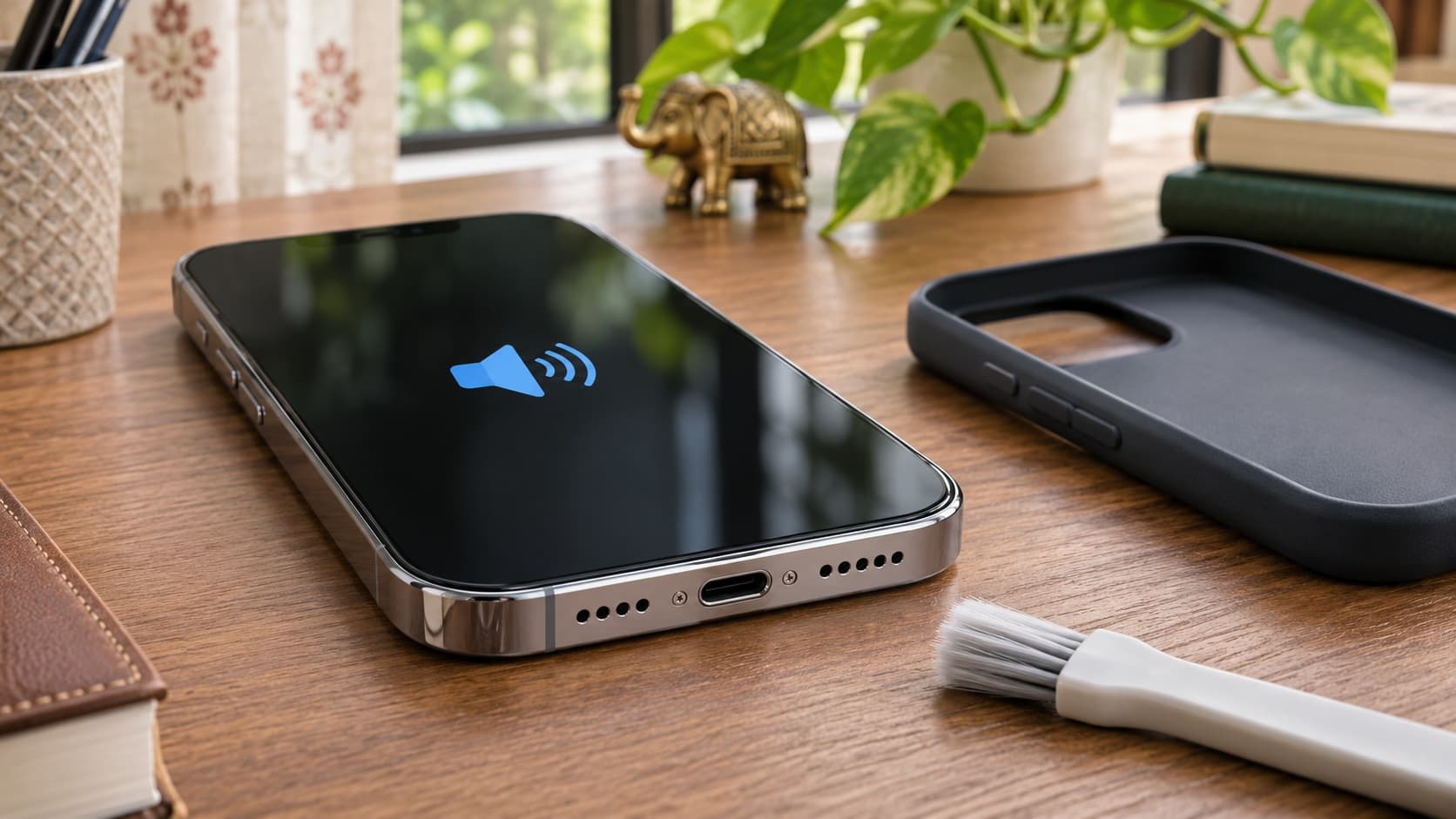
Apple recommends removing screen protectors, films and cases as part of its sound checks, then inspecting whether the speaker opening is blocked or dirty. It also specifically says to check the receiver on an iPhone. A case or protector that covers an opening deserves attention before you authorise an internal repair.
If the accessory can be removed safely and straightforwardly, compare the same task without it. Keep the playback destination and volume context consistent so you can tell whether the accessory changed the result. Do not remove damaged glass or force a difficult part simply to follow a generic checklist; ask for appropriate help if that action is unclear.
Look at the opening rather than assuming a quiet result means it is obstructed. Record any visible blockage and whether the case or film overlaps the area. This observation helps you decide whether Apple's cleaning instruction applies. It does not require you to open the handset or identify internal speaker parts.
For cleaning where necessary, Apple specifies a small, soft-bristled brush that is clean and dry. Keep that instruction narrow. It is not a recommendation to insert improvised tools, pour in cleaning fluid or use an aggressive method advertised as an instant speaker repair. If the opening or device is damaged, seek an assessment instead of trying to force a cleaning result.
After an appropriate external check, repeat the same task and record the outcome. “Clearer without the case” is useful information; it does not establish that every other audio function is normal. If the complaint remains, move to the sound test rather than repeatedly brushing an opening in the hope of resolving an unrelated setting or network issue.
Run Apple's Ringtone and Alerts sound check
Apple directs you to Settings and Sounds, or Sounds and Haptics, then to move the Ringtone and Alerts slider back and forth a few times. Use the label available on your software and listen for the test sound at a sensible level. Record whether you hear anything and whether the speaker control is available.
Its guidance says that if you hear no sound or the speaker button on that slider is dimmed, the speaker may need service. Treat that as a reason to seek the appropriate assessment, not as a quote for a particular replacement part. The test result is useful evidence even when you cannot identify the cause.
If sound is audible, make a note of its quality. A clear alert test alongside a call-only complaint tells a different story from distortion in the test itself. Describe that distinction to support. Avoid deciding that the test has certified the entire audio system or ruled out every intermittent problem simply because one sound was produced.
Keep the test result connected to the original complaint. If the problem occurs only sometimes, record when it returns and the task involved. A short successful check is progress, but it does not require you to describe the phone as permanently repaired or fault-free before you have assessed the normal use that matters to you.
If the problem is hearing a caller, compare speakerphone
Apple says that if you can hear the sound in its check, try making a call and turning on speakerphone. This provides a useful comparison with ordinary call listening. Identify whether the issue affects the receiver, speakerphone or both, and keep the result separate from whether the other person can hear you.
Do the comparison somewhere appropriate for a speakerphone call and avoid sharing private conversation unnecessarily. You need only enough ordinary audio to describe whether sound is present and clear. The test should not require recording another person without their agreement or repeatedly making calls that they do not expect.
If you still hear nothing, static or crackling, Apple's guidance says the network or reception could be involved and recommends trying later or from another location. That is a possibility to investigate, not a claim that every distorted call is caused by the carrier. Compare the result with the alert or media checks you already recorded.
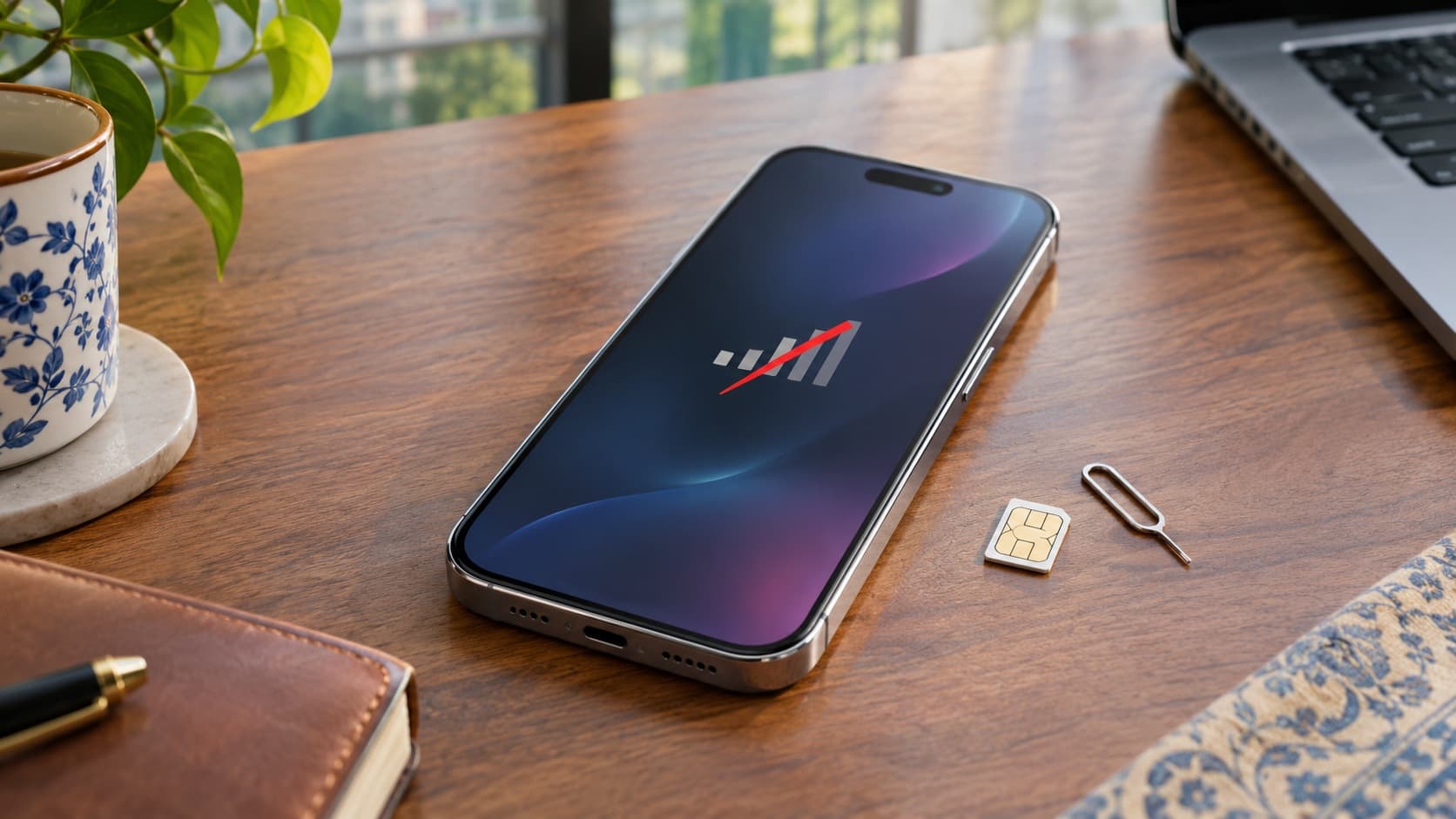
If the phone also shows a mobile-network warning, ReUz's iPhone No Service checks for India cover that separate branch. Keep the exact status message and call result in your notes. A network complaint and a sound-output complaint can overlap in experience without being the same diagnosis.
What to record when only some calls sound bad
Write down whether the problem changes with time, location or speakerphone, and whether the sound test remains clear. Those are observations support can use. Do not assume another caller's device, your network or your speaker is definitely responsible based on one conversation. Keep uncertainty visible until the relevant checks narrow it.
Try to compare similar tasks rather than a high-quality media clip with a difficult call and conclude that one proves the other faulty. A clear media result is useful context, but it is not a complete examination of call reception. State which task worked and which failed instead of compressing both into “audio sometimes bad”.
Build a short sound record before seeking service
A useful record has the task, selected output, volume context and result. For example, note whether the Ringtone and Alerts test makes sound, whether a familiar media item is audible through the intended destination and whether speakerphone changes the call complaint. Only include results you actually observed on your handset.
Add the effect of removing a case or checking an opening, and include relevant damage or repair history. You do not need to assign a part name to the fault. A precise account of what changed is more useful than confidently declaring that a speaker module has failed without an assessment.
If another person helps, agree on the task being tested and keep private information out of the demonstration. Let the owner control account actions and personal content. You can use an ordinary non-sensitive playback item instead of opening private recordings or messages merely to prove that a sound comes from the phone.
Keep any screenshots focused on the relevant setting or result. Review them before sending support information so that unrelated notifications or account details are not included unnecessarily. Clear evidence helps explain the complaint; it does not require publishing a complete view of your phone in an open discussion.
When does an iPhone speaker problem need service?
Apple says persistent sound issues may require service, and its slider-test guidance identifies no sound or a dimmed speaker control as relevant reasons. If the documented checks do not explain the complaint, ask Apple or an appropriate service provider for an assessment. Do not buy a replacement speaker solely because a generic online guide names one.
Give the provider the record of ordinary output, speakerphone and sound-test results. Ask whether bringing the case or accessory involved would help reproduce the issue. If distortion is intermittent, explain that clearly even if the phone sounds normal at the appointment. A fault does not become irrelevant because it is difficult to demonstrate on demand.
Request a written proposal before authorising paid work. Ask what the recommended action is intended to address, the total payable amount in ₹ and whether an assessment or other service charge applies. You can then compare a concrete proposal with keeping or replacing the phone rather than budgeting for a guessed component repair.
Apple's India repair page says inspection determines the final service fee. It also says authorised service providers can set their own fees and estimates, with tax and delivery charges possible in relevant circumstances. This article therefore provides no invented speaker-replacement price or universal repair amount for your individual handset.
Prepare your information before handing over the phone
Ask how the device should be prepared for the proposed service and keep a usable backup for your needs. Clarify the work rather than assuming every sound complaint leads to the same action. If you rely on the handset for daily communication or account access, plan how you will manage during assessment.
Do not erase the phone as an improvised first response simply because a reset option exists. This guide's sound, output and external-opening checks do not require guessing at a destructive action. If support recommends one, understand its purpose and the preparations needed before proceeding. Keep account access and retained information in view alongside the technical question.
Compare keeping, repairing and selling in India
Keep the phone when a relevant setting, output selection or accessory correction gives you the sound experience you need and the handset otherwise suits you. A missed ringtone or one poor call does not by itself require an upgrade. Continue ordinary use and judge whether the original complaint is resolved sufficiently for your routine.
Repair may make sense when an assessment identifies an unresolved issue and you want to keep the handset. Consider the written cost, time without the phone, proposed work and the rest of its condition. Do not assume spending on repair automatically increases a future selling quote by the same amount.
Selling is worth comparing if you already want a different device or keeping the current one no longer suits your needs. You can find your exact handset for an instant quote with the correct model, storage and actual condition. This guide gives no ReUz payout figure; check your instant quote and inspection conditions.
For your own budget, write the replacement's payable price in ₹ and subtract the confirmed selling amount. Include costs that actually apply to your chosen purchase. Compare that cash requirement with the written service proposal and keeping the current phone, rather than relying on a maximum advertised value for a different or fully working unit.
Keep the data move separate from the sound investigation. A successful alert test does not establish that your information is ready to leave the phone, and a completed backup does not diagnose the speaker. Verify the accounts, communication and retained content you need on the replacement before completing the final personal-data preparation for sale.
Describe quiet or intermittent sound accurately when selling
A useful condition description identifies what you heard and during which task. Say that calls crackle on speakerphone but the alert test is audible, if that is what you observed. If an assessment identified a fault, describe it accurately. Do not invent a component diagnosis simply because it sounds more definite than the symptom.
Separate working and unresolved functions. A phone may play media normally while a call complaint remains, or produce quiet sound in several tasks. That is more useful than calling the entire device silent when it is not. Ask the buyer how to record the issue if the form's condition options do not capture it clearly.
Do not describe the phone as fault-free because a brief demonstration happened to succeed. If an intermittent problem is known to you, disclose it. Conversely, do not describe the speaker as permanently broken if the only observation was playback sent to another destination. Keep the description grounded in the evidence you have.
Use consistent condition information across buyers and exchange counters. Otherwise, different figures may reflect different assumptions rather than a better offer for the same handset. Save the quote details and clarify what may change after inspection before arranging pickup or committing to a replacement purchase.
A practical final checkpoint before handover
Review three records separately: the sound checks, any service proposal and the selling quote. The first tells you what you observed, the second describes proposed work and the third reflects a commercial offer under stated conditions. A high offer does not prove the fault is resolved, and a repair proposal does not establish the amount a buyer will later pay.
Resolve unanswered questions while you still have the phone available. If support needs another observation or the buyer needs a clearer condition description, provide it before the appointment. Keep your own backup and private account information under your control. Personal preparation should not depend on giving a buyer credentials to complete actions you have not understood.
Once your information is retained and you have chosen the selling route, confirm the handset, storage and included accessories match the arrangement. Note any remaining sound complaint consistently through the quote and inspection stages. This is a practical review of readiness, rather than another audio diagnosis or a promise that the final inspection will match a remote estimate.
If you are helping a family member prepare a phone, ask which listening task matters most to them before declaring the checks complete. Their complaint may concern calls through the receiver rather than the media item you used for a demonstration. Let them confirm that the result addresses the original experience, and keep any unresolved concern in the condition notes. A helper's successful ringtone test and the owner's recurring call complaint can both be true. Preserve that distinction when discussing support, a repair proposal or a quote, so the next decision reflects the actual use of the handset rather than only the easiest sound to demonstrate.
Thinking of selling your iPhone 15?
After completing the relevant checks, you can sell your iPhone 15 through ReUz with an honest sound-condition description. ReUz offers an instant quote in 60 seconds, free doorstep pickup, on-the-spot UPI payment and data wiped in front of you. Check the quote and applicable inspection conditions before proceeding.
The site's up to 10% more price promise concerns comparable offers for the same model, storage variant and condition band. It is not a guaranteed uplift over every offer or a fixed payout for a phone with a speaker complaint. Compare like-for-like information and check your instant quote.
If you have another model, search ReUz for the iPhone you actually own. Keep the sound observations, service proposal and replacement budget together. You can then choose to keep, repair or sell based on current evidence and real offers, with the issue described accurately throughout.
Frequently Asked Questions
Does an iPhone speaker problem always need repair?
No, an apparent speaker problem does not always require repair. Apple recommends checks for sound settings, cases or blocked openings and a Ringtone and Alerts test, while its user guide explains volume context and playback destinations. Investigate the actual task and output before assuming hardware damage. If sound issues persist or the relevant speaker control is dimmed, seek an assessment instead of guessing a replacement part.
Why can I hear music but not an incoming ringtone?
Music and ringer or alert sound use different volume contexts and settings. Apple's guide explains that buttons control media during playback, while alert behaviour also depends on the relevant configuration. Check Silent mode, Do Not Disturb and the Ringtone and Alerts control as Apple recommends. A working music item is useful information, but it does not by itself establish the intended ringtone settings.
Why is a call crackling when the ringtone test sounds clear?
A call can have a different problem from the sound produced by the ringtone test. Apple recommends a speakerphone comparison and says network or reception could be involved if call sound remains absent, static or crackling. Try again later or from another location as its guidance suggests, then record the difference. That possibility does not prove the network is responsible; share the test and call results if further assessment is needed.
How does Apple recommend cleaning a blocked speaker opening?
Apple recommends a small, soft-bristled brush that is clean and dry when cleaning a speaker or receiver opening is necessary. Inspect for blockage first and remove relevant cases or films as appropriate. Do not expand that instruction into an improvised internal repair or aggressive cleaning method. If the phone or accessory is damaged or removal is unsafe, ask for help rather than forcing the check.
Should I repair the speaker before selling my iPhone in India?
You should compare a written service proposal with an accurately disclosed selling quote before deciding to repair first. Establish the sound complaint through the relevant checks and assessment rather than assuming a part needs replacement. Repair spending does not automatically increase the selling quote by its full cost. Use current offers for your exact model and condition, and disclose known intermittent sound issues even if one test succeeds.